Guide
How to Choose an Anti Fatigue Mat for a Standing Desk
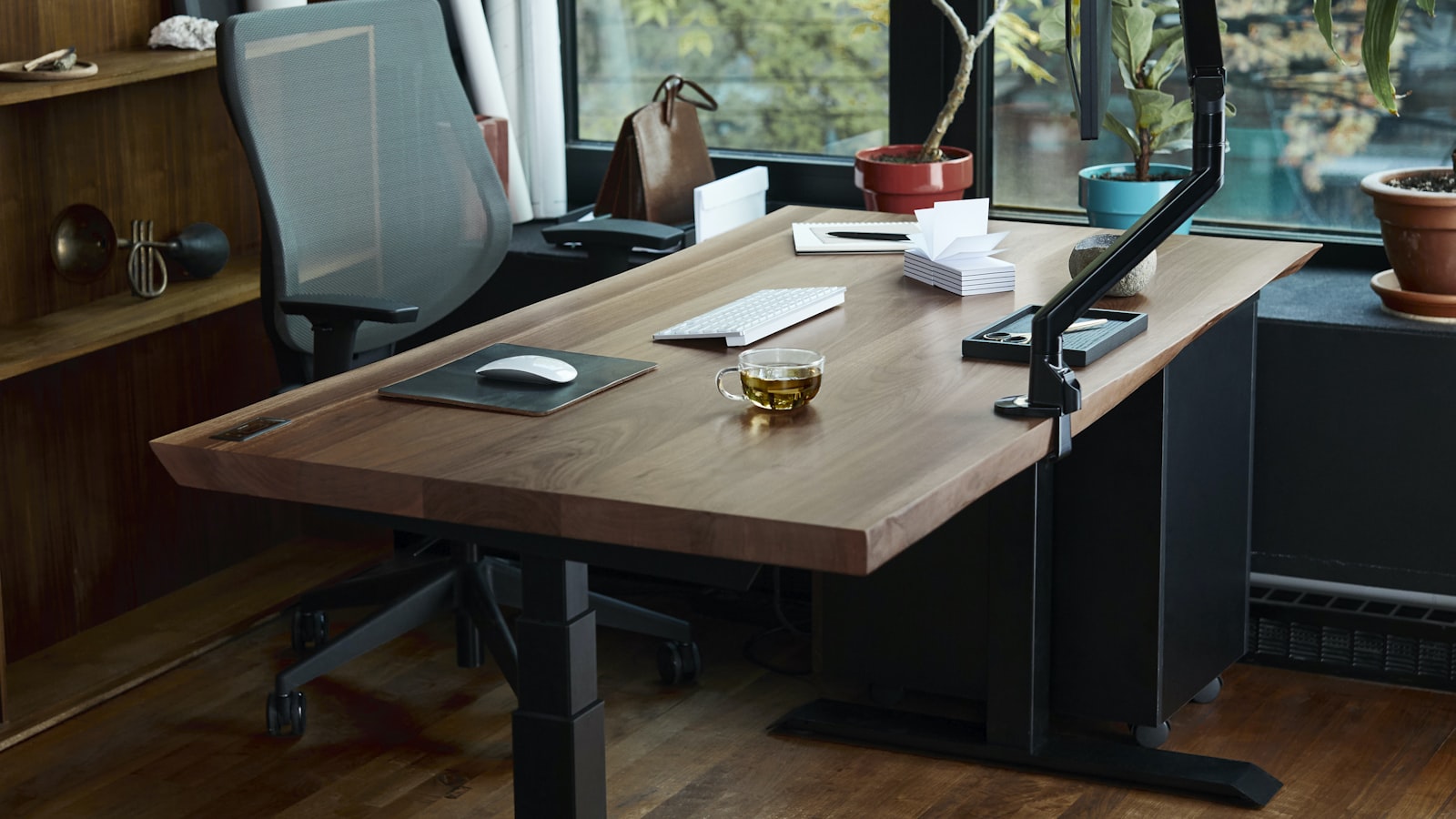
Twenty minutes into standing, your feet start complaining. An hour in, it’s your lower back. The desk went up, but nothing changed about what your feet are standing on, and hard flooring is the part of a standing setup that gets ignored the longest. An anti fatigue mat exists to fix exactly that gap.
Thickness trades comfort against stability
A thin mat, around half an inch, barely cushions a hard floor and stops mattering within a few weeks. A thicker mat, three-quarters of an inch or more, absorbs far more impact but can feel unstable underfoot, especially at the edges where the foam compresses unevenly. Most mats built specifically for standing desks land in the three-quarter-inch range for that reason. It’s the point where cushioning still works without turning the floor into something that shifts under a heel.
Not-flat surfaces encourage movement instead of one fixed stance
A flat mat cushions a foot in one position, but standing still on any surface for an hour is what causes the fatigue in the first place, not the surface itself. Mats with a contoured, mounded, or ramped terrain nudge the feet into shifting position without any conscious effort, which keeps blood moving through the legs during a long stretch of standing. A mat like this Topo standing desk mat uses raised terrain across the surface instead of a flat pad, built around that idea directly. A flat mat still helps over bare floor, but it asks more conscious effort from the user to get the same benefit.
Surface material decides how it performs barefoot versus in shoes
A mat with a smooth, dense foam top works fine under shoes but can feel slick under bare feet or socks, particularly once it’s been standing on for a while. A mat with a lightly textured or matte finish grips better barefoot without catching on sock fabric the way a coarser texture does. Anyone who stands at the desk in socks or barefoot regularly should weigh this over raw thickness, since a thick mat that slides underfoot causes its own kind of fatigue.
Size the mat to actual foot movement, not just the desk’s footprint
A mat sized to match the desk’s full width wastes material in spots the feet never reach. What matters is the area actually covered while standing and shifting weight, typically 20 by 32 inches for one person working at a single monitor, larger for anyone who paces or uses a wider multi-monitor spread. A mat that’s too small forces the feet back onto bare floor at the edges of a normal stance, which defeats a chunk of the mat’s purpose.
Edge bevel matters more than it looks like it would
A mat with a squared-off edge is a tripping hazard the moment a foot catches it while stepping off, especially on a thicker mat where the edge sits a full inch or more above the floor. A beveled edge that tapers gradually down to floor level avoids that catch entirely. This is easy to miss in photos, since a flat top-down shot rarely shows the edge profile, so it’s worth checking a listing’s side-angle images specifically before ordering.
Cleaning needs match whatever else already happens at the desk
A mat that’s wiped down occasionally is fine with any surface, but a desk shared with food, drinks, or pets needs a material that actually tolerates a damp cloth without staining or holding odor. PVC-free foam and polyurethane surfaces generally clean easier than fabric-topped mats, which can absorb spills instead of letting them wipe off. Checking the listed material against how the desk actually gets used avoids a mat that looks fine in photos and stains within a month.
Getting a standing mat right comes down to thickness and terrain first, since those decide whether standing on it actually reduces fatigue instead of just adding a cushion underfoot. Surface material, sizing and edge bevel are what decide whether it holds up to how the desk actually gets used every day.
