Guide
How to Choose an Anti-Glare Screen Protector for a Monitor
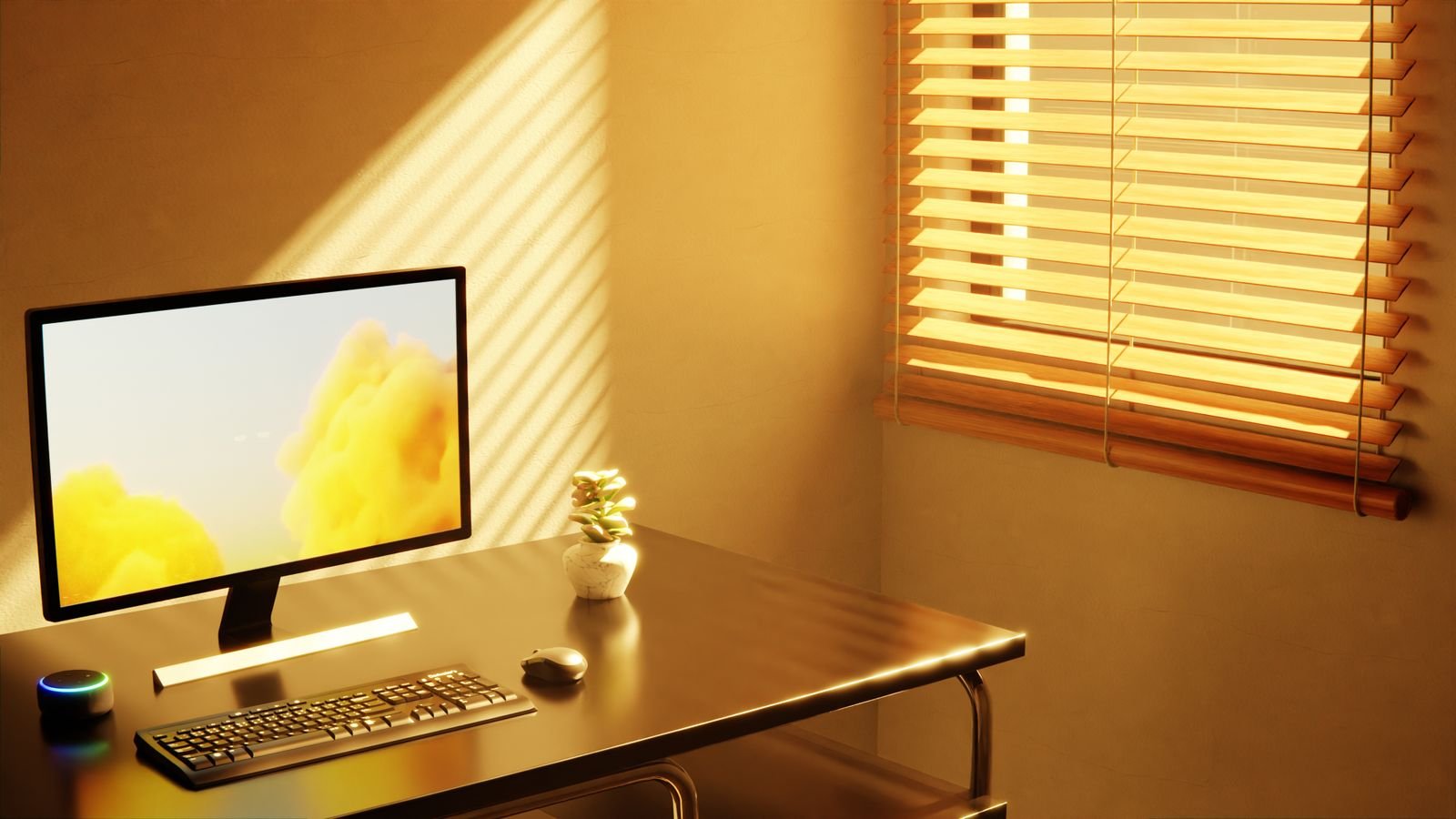
An afternoon window turns half the screen into a mirror, and no amount of brightness fixes it. An anti-glare film is the usual answer, and it does work on reflections. What it costs is a little sharpness, which is why matching the film to the screen and to the light source matters more than picking the first listing that says 24 inch.
Measure the panel, not the box the monitor came in
Screen sizes are sold by the diagonal, but a film has to cover a rectangle. Two monitors both sold as 24 inch can have different viewable widths once the aspect ratio changes. A 16:9 panel and a 16:10 panel of the same diagonal are not the same shape, and a film cut for one leaves a gap or overhangs on the other.
Good listings publish the film’s own dimensions. An F FORITO matte anti-glare film lists 532mm wide by 299mm tall for a 24 inch 16:9 screen, which is a number that can be checked against a tape measure before ordering. Measure the visible glass, corner to corner and edge to edge, and compare those numbers rather than the marketing size.
- Width and height of the lit area, not the bezel
- Aspect ratio, since 16:9 and 16:10 differ at the same diagonal
- Whether the bezel is flush or raised, which changes how the edges sit
Matte surfaces trade a little sharpness for fewer reflections
An anti-glare film works by scattering light across a rough surface instead of bouncing it straight back. That same scattering happens to the light coming out of the panel. Text looks slightly softer, and fine details lose a bit of bite.
On a panel that’s already matte, the change is small. On a glossy panel, the shift is obvious the first day and then fades from notice within a week. Photo and color work is where it matters most, because the film also lifts blacks a little and mutes saturation.
Where the light comes from decides whether film is the fix
A reflection has a source. Before covering the screen, find it. A window behind the chair, a ceiling fixture overhead and a bright wall all leave different signatures on the glass.
Turning the desk ninety degrees or moving a lamp off the reflection line costs nothing and keeps the panel’s native sharpness. Film earns its place when the source can’t move: a rented room with one window, a shared office with fixed lighting, a desk that has to face that way. Trying the free fix first is worth an afternoon.
Adhesive, hanging and magnetic attachment behave differently
Most films attach one of three ways, and the choice decides how easy it is to undo.
- Adhesive or static cling: sits flush against the glass, no shadow lines, but bubbles need working out and removal takes patience
- Hanging tabs: rest on the top bezel, come off in a second, and leave a small air gap that can catch its own reflection
- Magnetic frames: snap on and off cleanly, though they need a bezel the magnets can grip
A film that comes off easily is worth more on a shared monitor. A film that stays put is worth more on one nobody moves.
An anti-glare film is not a privacy filter
The two products look similar in listing photos, and plenty of listings combine them. They solve different problems. Anti-glare scatters reflected light so the person in front can see. A privacy screen narrows the viewing cone so people beside the desk can’t.
Buying a combined filter means accepting the brightness loss of both. If the goal is only the window reflection, a plain matte film keeps more of the panel’s output.
What to check before ordering
Glare is one of those problems where the cheapest fix is often furniture placement, not a purchase. When the layout is fixed, a film sized to the actual panel is a small change that holds up daily.
- Measured width and height of the lit area, matched to the film’s listed size
- Panel finish already matte or glossy, since that sets how much sharpness changes
- Whether the light source can move instead
- Attachment method, matched to how often the screen gets handled
- A monitor light bar if the real complaint is a dark room rather than a bright reflection
Hero photo: “Computer on a Table Near Window” by Yusuf P, used under the Pexels License.
