Guide
Desk Cable Management: Trays, Sleeves and Routing That Holds Up
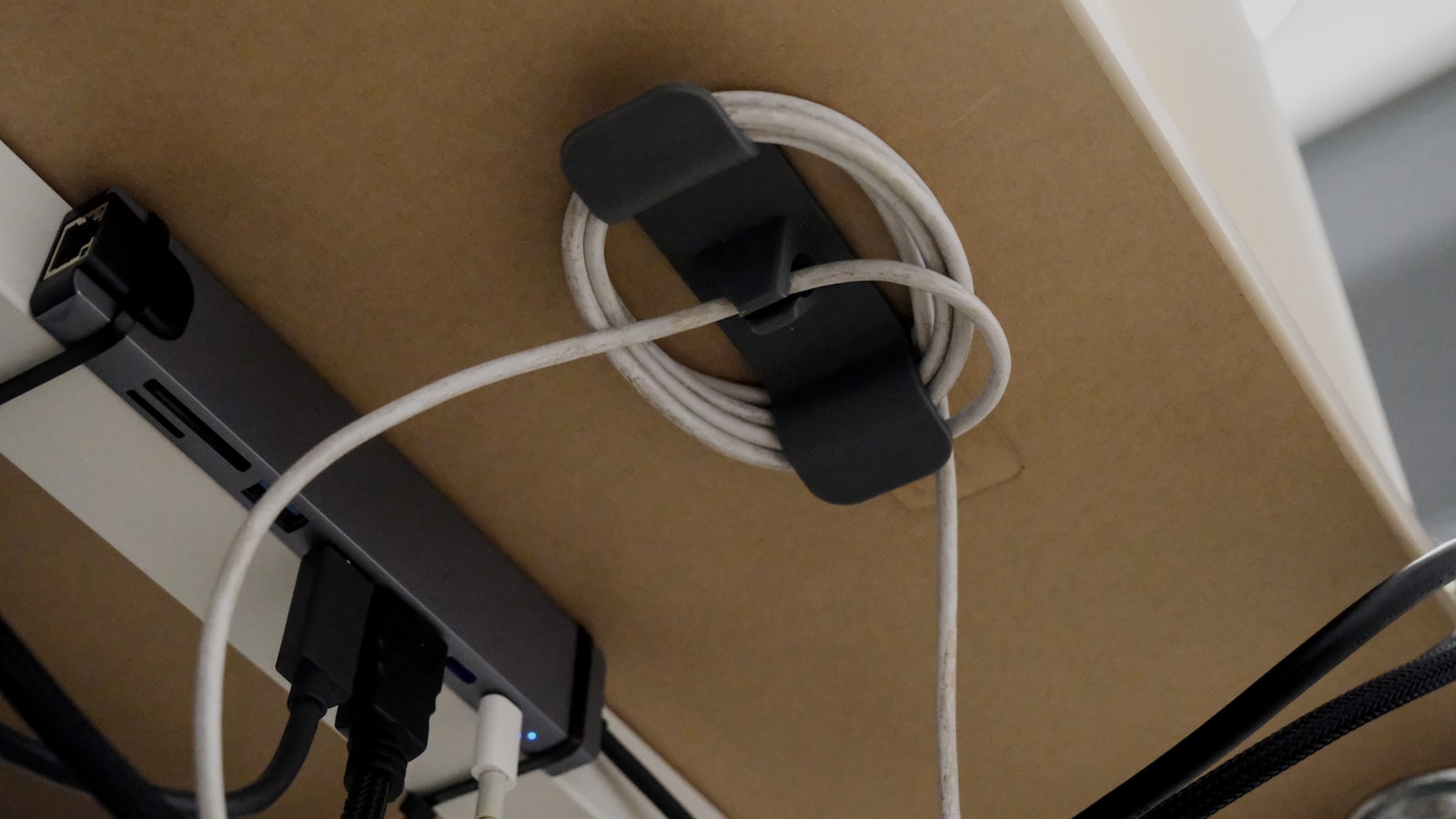
Every themed desk photo you’ve seen online has clean cable routing behind the scenes. It’s not glamorous, but it’s the difference between a setup that looks intentional and one that looks like a pile of gear that happens to match.
Plan routing before you mount anything
Decide where the power strip, monitor arm, and dock will sit before you screw anything to the desk. Moving a cable tray after the monitor arm is already mounted usually means redoing both.
Go wireless where it actually matters
You don’t need every device wireless, but a wireless mouse and keyboard remove the two cables that cross the most visible part of the desk. A wired headset or wired monitor cable matters much less since neither crosses your eyeline.
Use a cable tray, not just ties
A tray mounted under the desk gets the power strip and the bulk of the cabling out of sight entirely, which does more visual work than tidying the cables you can already see.
Match cable sleeves to the theme, not to “black”
Most cable sleeves are sold in black by default, but colored and patterned sleeves exist for most common themes. A visible cable in the theme’s color reads as a design choice; a stray black cable reads as something you forgot to hide.
Route monitor cables through the arm, not around it
If you’re using a monitor arm, most have a built-in cable channel. Running the cable through it instead of letting it hang loose is one of the highest-impact, lowest-effort changes you can make.
Do a final pass with velcro, not zip ties
Velcro cable ties let you adjust routing later without cutting anything, which matters more than it sounds like it should the first time you need to move or replace a piece of gear.
