Guide
White or Black Gaming Chair? Choosing a Color That Fits Your Desk
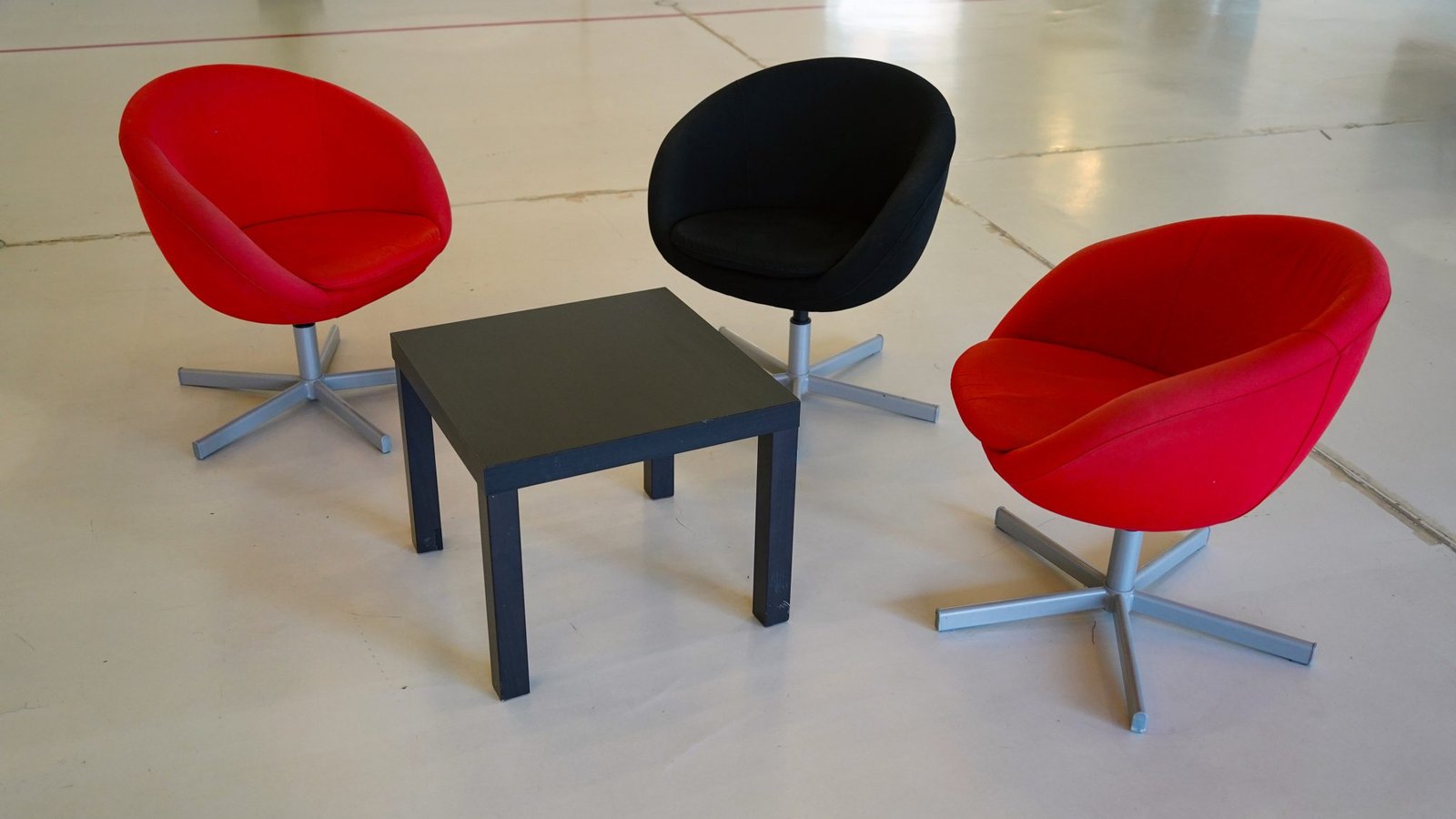
Every piece on a themed desk gets picked for color eventually, the keyboard, the mat, the accent lighting, except the chair, which usually gets picked for the lumbar support and shipped in whatever colorway the model comes in. That colorway is almost always black with red or a single bright racing stripe, which is fine for a cyberpunk or space setup and actively works against a pastel, sunset, forest, or minimal one.
The chair is the largest object in the room, so its color carries more weight than it should
A keyboard is a few square inches. A chair, even a compact one, is the single biggest colored surface within a few feet of the desk, and it sits directly behind everything else in most desk photos and video calls. A mismatched accent pillow is a small problem; a mismatched chair reads as the whole setup not actually being coordinated, because it’s the one piece too big to visually ignore.
Neutral upholstery works with more themes than a colored one does
A racing-style chair in black-and-red only really works for cyberpunk or a build with red accents already in it. A chair in plain black, charcoal gray, or off-white mesh works underneath nearly every theme on this site, because none of those colors fight an accent palette; they just recede behind it. If a chair swap isn’t in the budget, land on whichever neutral sits closest to the desk surface or the wall behind it. The chair then reads as background rather than another competing accent.
Fabric and mesh photograph differently than pleather does
Beyond color, material changes how a chair reads in photos even when the color is identical. Glossy pleather catches specular highlights and reflects nearby RGB the way a race car seat does, which suits cyberpunk and space setups that already lean on reflective surfaces. Woven mesh and fabric absorb light instead of bouncing it, which reads calmer and suits pastel, forest, and minimal builds where the goal is a soft, matte palette rather than a glossy one. Neither is wrong, but a glossy pleather chair in an otherwise matte pastel setup will be the one shiny object in the frame.
Only the top third of the chair usually shows in a desk photo
Most desk setup photos and streaming camera angles crop the chair at roughly the headrest and upper backrest, with the seat, base, and casters hidden below the desk or out of frame. That means the part of the chair actually worth matching to the theme is the headrest pillow and the top of the backrest, not the whole piece. A chair with a plain gray shell but a swappable headrest cushion in the accent color often does more visible work than spending the difference on a chair that’s colored all the way down to a base nobody sees.
Small accent swaps beat a full chair replacement
A full chair replacement is the most expensive way to fix a color mismatch, and it’s rarely necessary. Most gaming chairs come with a removable lumbar cushion and headrest pillow, both cheap and easy to find in solid colors separate from the chair itself. Swap just those two pieces for something closer to the theme’s accent color. Add a chair-back throw or seat cover in the same fabric family as the desk mat. That gets most of the visual benefit without touching the frame.
When it’s worth actually buying a colorway to match
The exception is a build where the chair genuinely can’t recede, a small room where it’s visible in every angle, or a setup being built from scratch where the chair is one of the last big purchases anyway. In that case, buying into a chair that already ships in a neutral or theme-adjacent color from the start is worth the premium over buying a racing-style chair and trying to disguise it afterward. It’s easier to build a themed desk around a chair that was never wrong than to keep covering one that was.
