Guide
How to Choose a Controller Holder or Stand
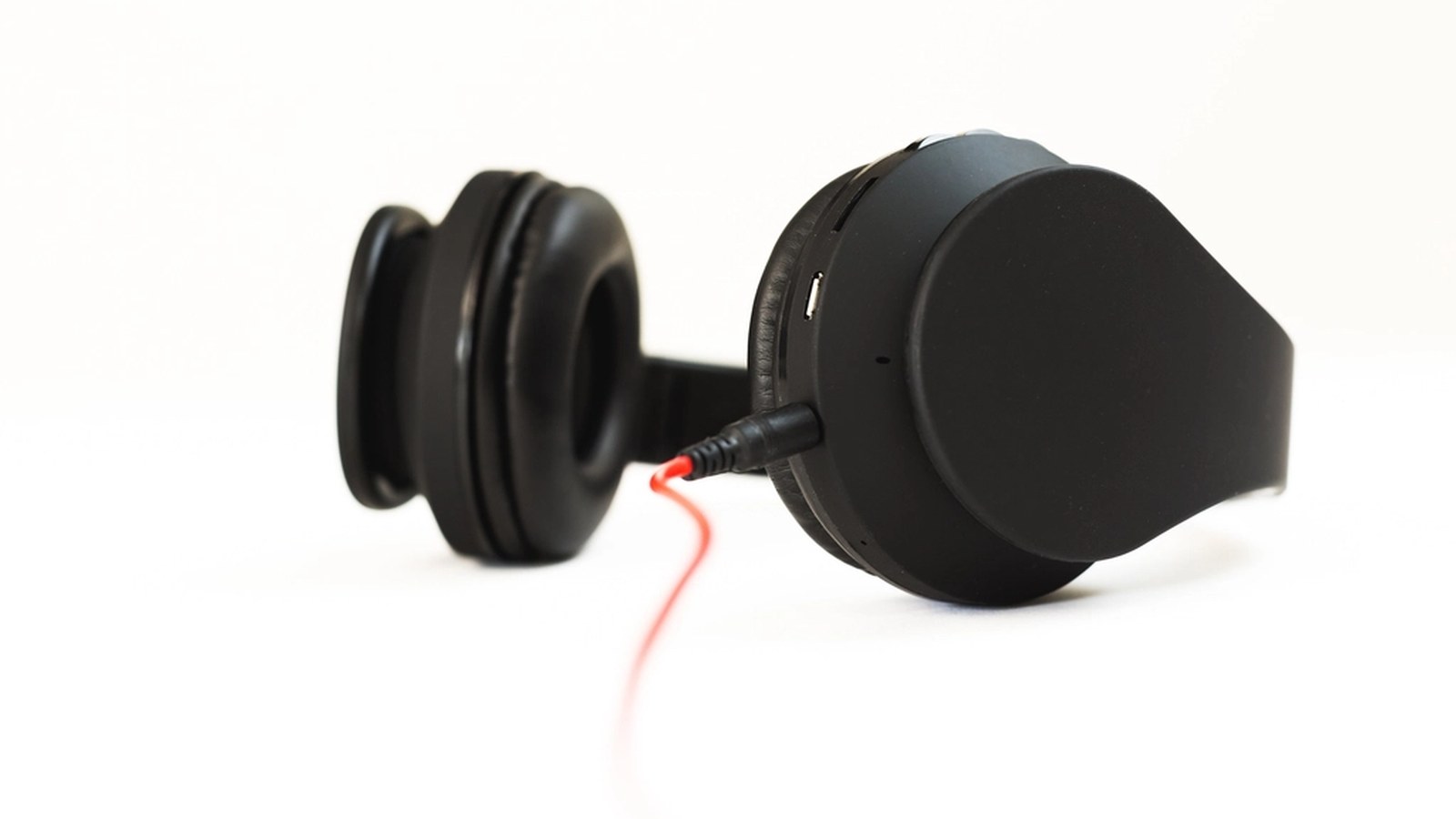
A controller left on the desk after a session usually ends up face down next to the keyboard, sticks pressed into the mousepad, or snagged under a monitor arm’s cable. A holder fixes where it rests, but the right kind depends more on how much desk space is actually free than on which console it came from.
A desktop stand is the least work, and it costs the most desk space
Setting a stand directly on the desk takes no installation at all. Unbox it, set it down, and the controller has a spot. That convenience has a cost: the stand claims a patch of surface right where a mouse swings or a notebook used to sit. On a desk that’s already tight, that footprint matters more than the stand’s price or finish.
Under-desk and wall mounts trade visibility for free surface
Screwless mounts that grip the underside of a desk, or wall brackets installed nearby, move the controller off the work surface entirely. Most rely on adhesive pads rather than screws, which keeps the install reversible but sets a real weight limit. Textured or painted drywall also weakens that grip over time, so a mount rated for a specific weight on a specific surface is worth more than one that just lists “universal.”
A headset hook turns one stand into two tools
Plenty of stands add a second arm or hook sized for a headset, so the same footprint handles both pieces of gear instead of just the controller. That’s the detail worth checking before assuming a “controller stand” only does one job.
The Brainwavz Gorgon is one example of the two-in-one kind. It sticks under a desk or shelf with pre-fitted 3M VHB tape instead of screws, holds a controller and a headset together, and lists a maximum load of 3.3 pounds. Its headset rest is a wide, curved bed rather than a thin hook.
A hook’s shape matters as much as its presence. A thin wire loop can still crush foam ear cushions over weeks of use, while a wider, padded hook spreads that weight more evenly.
More than one controller changes which spec actually matters
A single-player desk only needs one slot, but a household with two or three controllers needs a stand built around tiers or width, not just a single cradle. A few things worth checking before buying for more than one:
- Whether each tier is deep enough for a controller with the sticks still attached, not folded flat
- Whether tiers stack close enough together to wobble when a controller is set down with any force
- Whether the base widens to match the added height, since a tall multi-tier stand without a wider footprint tips more easily
A charging dock is a different feature from a holder
Some stands bundle a charging dock into the base, and it’s easy to assume that’s standard. It isn’t. A charging dock needs its own USB connection and usually its own set of connector pins or a cradle shaped for a specific controller generation, separate from whatever holds the controller when it isn’t charging. Anyone who actually wants a dock, rather than just a resting spot, is better served checking a stand built around charging from the start.
Mount type asks something different of the desk or wall
A clamp mount needs an edge thin enough for its jaw to close around, which rules it out on a thick butcher-block desk or a glass top with no exposed lip. A screw mount into drywall needs an anchor rated for the stand’s load, not just the screw that ships in the box. Reading the mount type against the actual desk or wall, rather than assuming “mount” means one universal fit, avoids a stand that arrives and simply doesn’t attach.
Base weight decides whether it tips when a controller lands with any force
A light acrylic or thin-wire base looks clean on a desk, but it’s also the first thing to slide or tip when a controller gets set down harder than intended. A weighted base, a wider footprint, or a mount that’s bolted down all solve the same problem in different ways. For a desk stand especially, that stability matters more day to day than how the material looks under desk lighting.
