Guide
Desk Ergonomics for Long Gaming Sessions
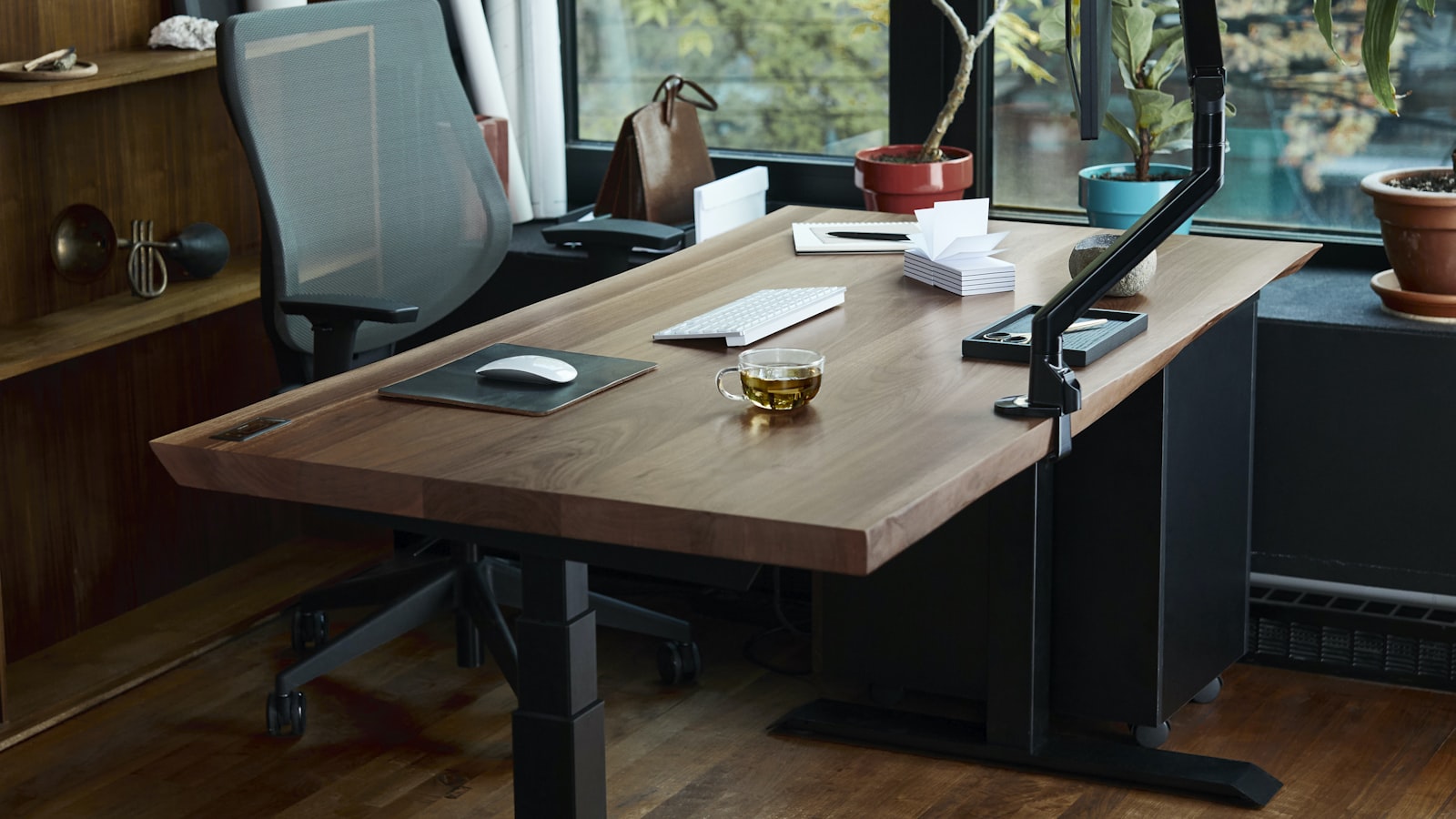
Most desks have at least one ergonomic problem hiding in plain sight, a monitor that’s slightly too low, a chair height that’s been the same since the day it arrived, armrests doing nothing useful. None of these are dramatic on their own, but stacked together over a multi-hour session they’re the difference between standing up fine and standing up stiff.
Monitor height: top of the screen at eye level
The single most common mistake is a monitor sitting too low, which pulls the chin down and rounds the neck forward for hours at a time. The top edge of the screen should land roughly at eye level when sitting upright, close to eye level, not the center of the screen. If the monitor came with a short fixed stand, a riser, a stack of books or a VESA arm all fix it, for anywhere from a few dollars to about fifty. It’s usually the single highest-impact change on this list. An adjustable riser like the WALI monitor stand covers most of the range a short fixed stand leaves missing, and it does it without a VESA mount or a drill.
Chair height: feet flat, knees roughly level with hips
Start with chair height, not the backrest or armrests. Feet should sit flat on the floor with knees at roughly a 90-degree angle, level with or very slightly below the hips. Too high and the underside of the thighs gets pressure from the seat edge; too low and the knees end up higher than the hips, which rounds the lower back. If the desk is fixed-height and the correct chair height puts the desk too high or low relative to the elbows, a footrest or an adjustable desk is worth solving before anything else on this list.
Elbow angle: roughly 90 degrees, keyboard and mouse at the same height
Wrists and forearms take the brunt of a bad elbow angle. Armrests, or the desk surface if there aren’t any, should keep the elbows at close to 90 degrees with the keyboard and mouse at that same height, not reaching up or down to use them. A keyboard and mouse sitting noticeably higher than the armrests is a common setup where the desk height was chosen around the monitor, not the input devices, and the wrists end up compensating for the mismatch all day.
Lower back support matters more than the material of the chair
An expensive chair with no lumbar support does less for posture than a cheap one with a lumbar cushion actually positioned against the curve of the lower back. Most chairs either include an adjustable lumbar section or have room for an aftermarket cushion, and the point isn’t rigidity, it’s filling the gap that naturally opens up between the lower spine and a flat seatback when sitting upright.
Distance from the monitor: roughly arm’s length
Sitting too close to a monitor forces the eyes and neck to work harder than they need to, and sitting too far leads to leaning forward to compensate, which undoes chair posture entirely. Roughly an arm’s length away, adjusted slightly for screen size, keeps text readable without leaning in and without the neck craning forward to close the gap.
Movement matters more than any single static position
No chair or desk setup, however well adjusted, is designed to hold one exact position for three or four hours straight. Standing up, stretching, or just shifting position for a minute every 45 to 60 minutes does more for long-session comfort than chasing a perfect static posture and never moving out of it. A sit-stand desk helps here specifically because it makes changing position easy rather than something that requires getting up entirely.
Fixing the biggest problem first beats fixing everything at once
Most desks don’t need every adjustment above changed at the same time, they need whichever one is furthest off corrected first. A monitor sitting six inches too low or a chair height that’s been wrong for years usually accounts for more discomfort than the smaller details like armrest angle or exact viewing distance. Start with monitor height and chair height, since both are usually free or nearly free to fix, and layer in the rest from there.
