Guide
How Often You Should Actually Clean Your Gaming Setup
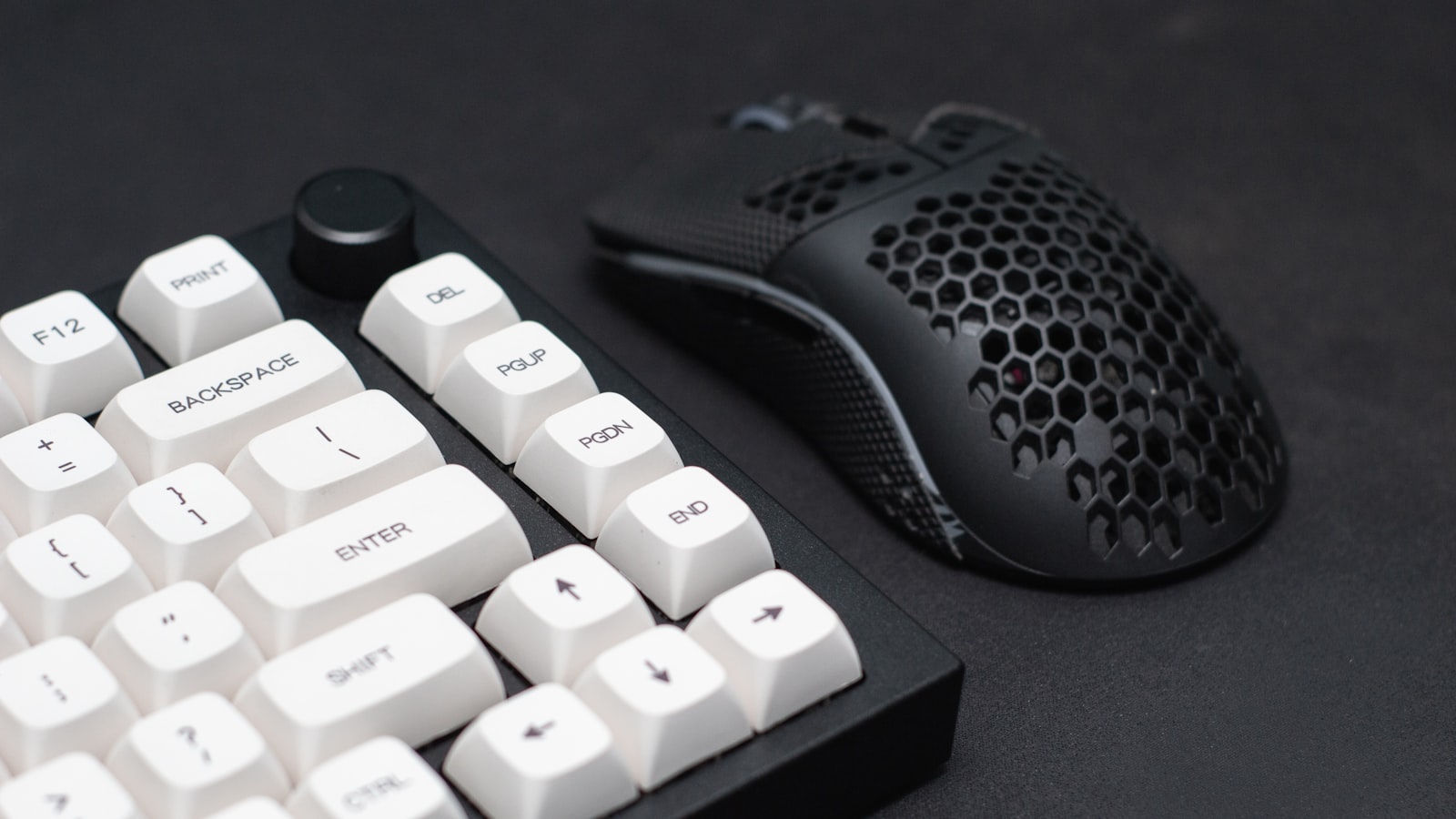
“Clean your setup regularly” isn’t a real schedule, because a mouse, a case fan, and a monitor panel all get dirty at completely different rates. A cadence that actually fits each part is more useful than one habit applied to everything.
PC intake fans: every 4 to 6 weeks
Case fans, especially intake fans facing an open room, pull in dust constantly and show it faster than almost anything else in a setup. A quick pass with compressed air held at an angle, not straight into the fan hub, every four to six weeks keeps airflow and temperatures from slowly drifting worse without you noticing. Carpeted rooms and homes with pets usually sit at the shorter end of that range.
Monitor and screen: every 1 to 2 weeks
Dust settles on a monitor panel fast, and finger oils from adjusting the stand or plugging in a cable add to it. A microfiber cloth, dry or lightly dampened with water, once every week or two is enough. Skip glass cleaners and anything with ammonia or alcohol, since some panel coatings react badly to them over repeated use.
Mouse and mousepad: every 2 to 3 weeks
Hand oils build up on a mouse’s shell and on a fabric mousepad faster than most people expect, and a grimy mousepad surface can noticeably affect tracking before it looks visibly dirty. Wiping the mouse down and giving a fabric pad a light hand wash every two to three weeks keeps both from degrading the actual gaming experience, not just the aesthetic.
Keyboard: brief weekly dusting, deeper clean every few months
A keyboard needs the most frequent light attention and the least frequent deep attention. A few seconds of compressed air between the keys weekly stops crumbs and dust from settling under the keycaps, while a full keycap-off clean is really only needed every few months. The full process is worth its own read if you haven’t done one before.
Desk surface and cable runs: weekly wipe-down
The desk surface itself collects dust fast simply from being a large horizontal area near everything else on this list. A quick wipe with a dry or slightly damp cloth once a week keeps it from becoming visible in photos, and it’s the fastest single thing on this list to do since it needs no disassembly of anything.
PC case interior: every 3 to 6 months
Opening the case to clean dust off the GPU heatsink, CPU cooler fins, and PSU intake is a bigger job than the exterior fan wipe-down above, so it doesn’t need to happen nearly as often. Every three to six months is enough for most rooms, and it’s worth doing whenever fan noise creeps up or temperatures start running a few degrees higher than they used to at the same load.
A simple way to remember the order
Wipe the desk and dust the keyboard weekly, since both take under a minute. Handle the mouse, mousepad, and monitor every couple of weeks. Save compressed air for the intake fans monthly, and reserve full disassembly, whether that’s the case interior or the keyboard’s keycaps, for a seasonal deep clean every few months. Nothing on this list needs to happen daily, which is the main thing people get wrong when they either over-clean out of anxiety or let everything go until it’s visibly overdue.
