Guide
RGB Lighting 101: How to Sync Your Setup
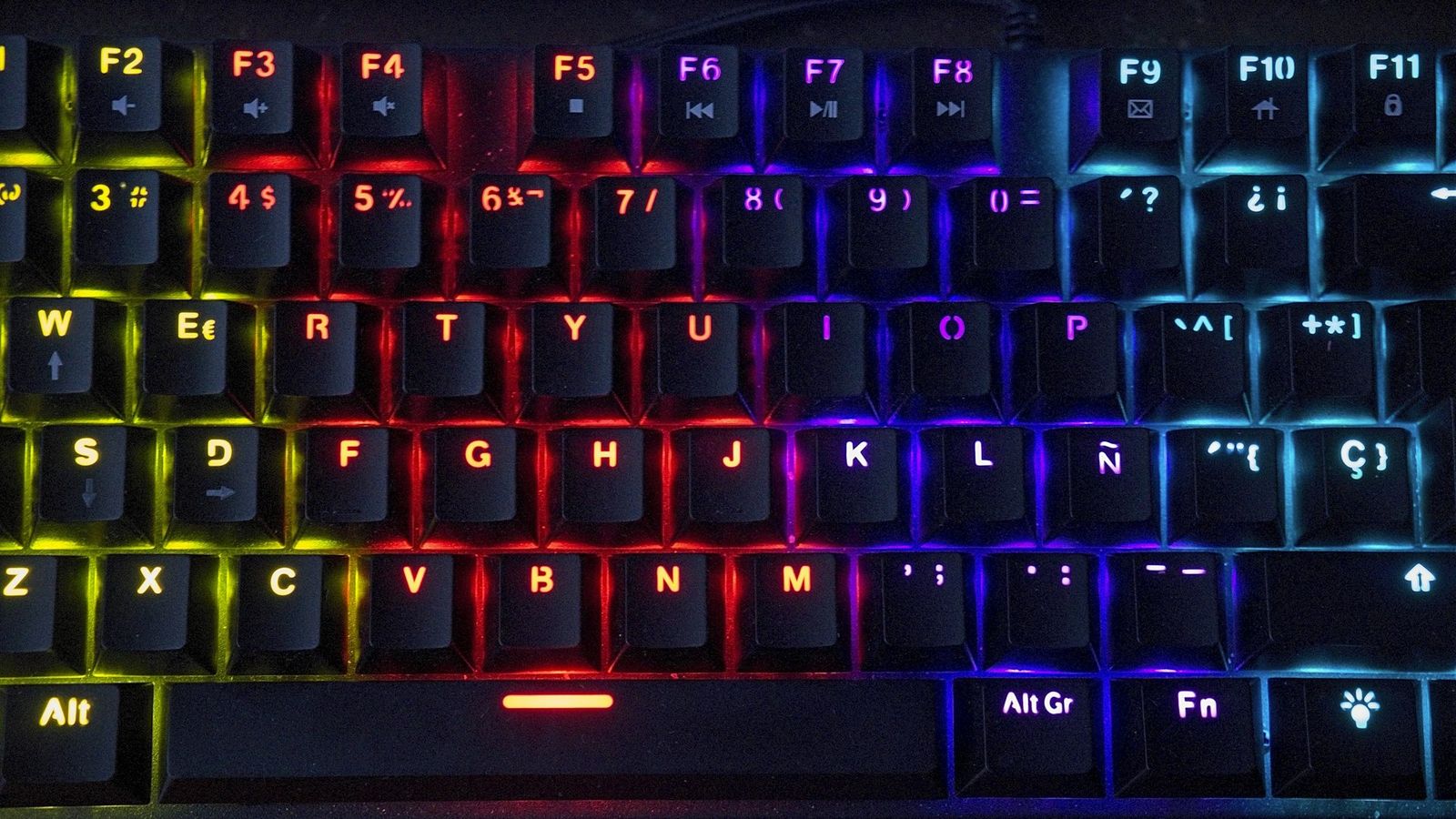
Most RGB setups don’t look bad because of the hardware. They look bad because every device is running its own default rainbow cycle, and nothing agrees with anything else. Getting a coordinated look has less to do with buying more gear and more to do with turning most of it down.
You don’t need one brand for everything
Corsair iCUE, Razer Synapse, Logitech G HUB, ASUS Aura Sync: none of them talk to each other by default, and chasing a single-ecosystem setup just to get software sync is expensive and limiting. It’s easier to treat each device’s app as a one-time color picker rather than something you expect to stay synced automatically.
Set static colors before you touch effects
Open every device’s software once, turn off the default rainbow or breathing pattern, and set a single static color that matches your theme. A desk full of static, matching color reads as intentional immediately. A desk full of independent rainbow cycles never quite lines up, even when every device is technically “on brand.”
Pick one hero piece for effects, and mute the rest
If you want a wave, ripple, or reactive typing effect somewhere, put it on one piece, usually the keyboard, and leave everything else static. One moving light source draws the eye on purpose. Three or four moving independently just looks busy.
Match by color family, not exact hex values
You will not get a mouse, keyboard, and case fan to output the exact same shade of blue. Different LEDs, diffusers, and software all render color slightly differently. Aim for the same color family instead of an exact match, the same way a light-blue keyboard and a deeper-blue mousepad still read as a coordinated pair without being identical.
Add bias lighting behind the monitor to tie it together
A single LED strip behind the monitor, set to match your palette, does more to unify a desk visually than another RGB peripheral would. It fills the wall behind the screen with the same color family as the rest of the setup, which ties pieces together that aren’t otherwise touching.
Turn brightness down before you add more lights
A common mistake is adding more RGB pieces to fix a setup that already looks chaotic. Usually the fix is turning existing lights down a notch, not adding another light source competing for attention. A dimmer, more consistent palette almost always reads as more expensive than a brighter, mismatched one.
