Guide
How to Choose a Silent Desk Fan for Your Desk
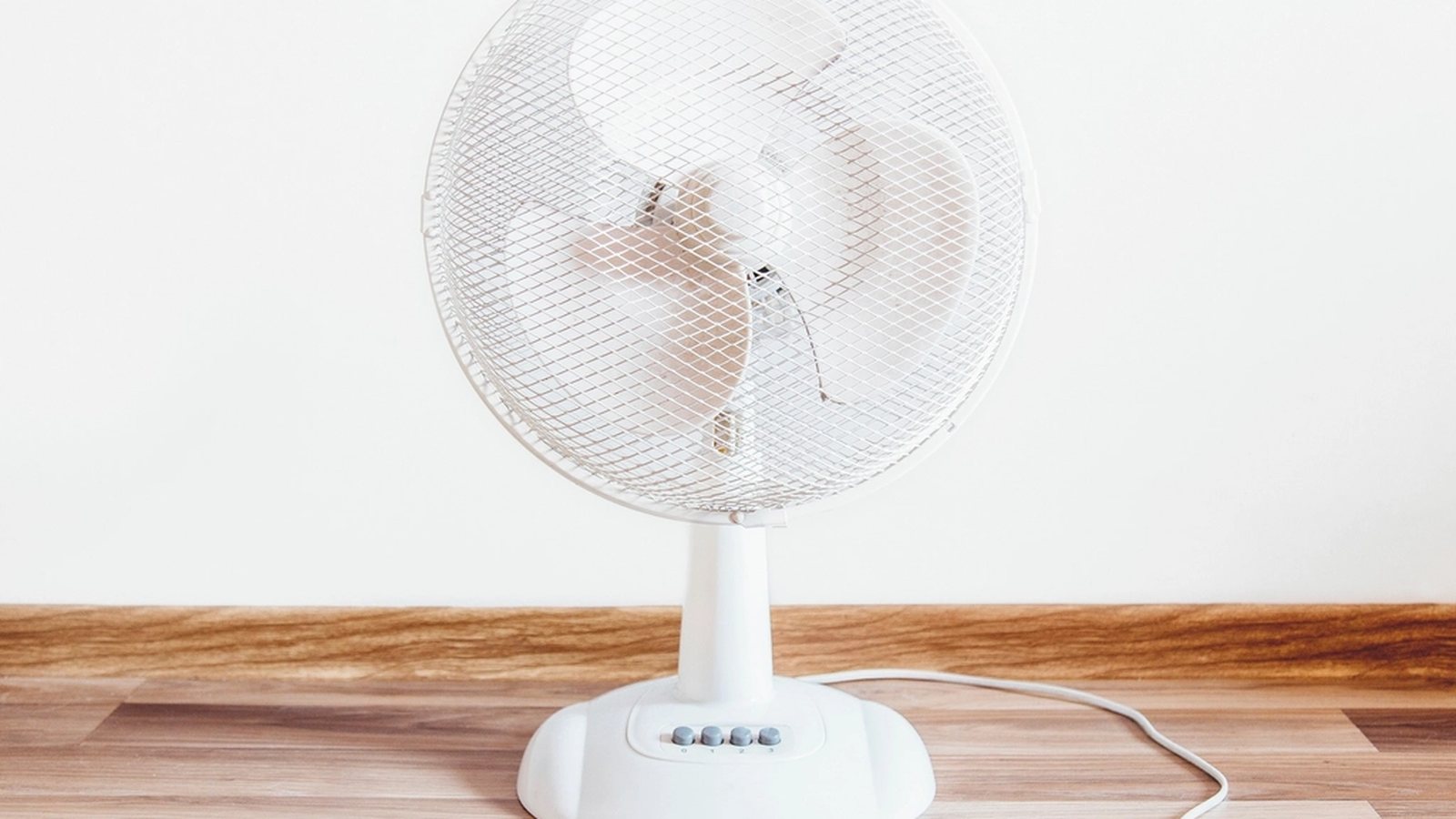
The PC’s case fans are already tuned and the temperatures look fine, but the desk itself still feels stuffy by mid-afternoon. That’s a different problem than case airflow, and it usually gets solved with a small personal fan aimed at the chair rather than another fan bolted inside the tower. The catch is that a fan sitting a foot from a microphone during a call has a much lower bar for “quiet” than one three feet away on the far side of a room.
The decibel number on the listing matters more than the word “quiet” in the title
Almost every desk fan on the market calls itself quiet somewhere in its listing, which makes the word close to meaningless on its own. The actual decibel rating, when a listing includes one, is the number worth comparing. A fan like this SWEETFULL USB desk fan lists a noise level under 25 decibels, close to the sound of quiet rustling leaves. That stays well under the range that shows up on a microphone during a video call. Anything without a stated decibel figure is worth treating as an unknown rather than assuming it matches whatever nearby fan does list one.
Blade count and diameter trade off against each other, not against noise alone
A fan with more, narrower blades tends to run quieter at a given speed than one with fewer, wider blades, but it also usually pushes less air per rotation, so it has to spin faster to match that airflow. That faster spin can cancel out some of the quietness the extra blades were supposed to buy. A larger diameter fan moves more air per rotation at a lower speed, which is often the quieter path to the same airflow rather than adding blades to a small one. Diameter and blade count are worth weighing together, not treated as two separate specs pointing in the same direction.
USB power trades outlet independence for a lower speed ceiling
A USB-powered fan can plug into the same power strip, monitor, or laptop already running everything else on the desk, which keeps it off the floor and away from a separate wall outlet. That convenience comes from a lower power draw than a wall-powered fan gets, which usually caps how much air the fan can move at its highest setting. For a fan running most of the day at a low or medium speed, that ceiling rarely matters. For anyone expecting occasional full-blast cooling, it’s a real limit worth checking against the fan’s rated airflow before assuming USB power is a free upgrade.
A fixed head skips the noise a rotating motor adds
Oscillating fans use a small motor to sweep the head back and forth, and that motor adds its own low hum on top of the blade noise, however faint. A fixed-head fan aimed directly at one spot skips that extra part entirely, which shows up as a small but real difference in a quiet room. The trade-off is coverage. A fixed fan cools one direction consistently, while an oscillating one spreads weaker airflow across a wider arc. For a single-person desk, a fixed head pointed at the chair is usually the quieter and more directly effective choice.
The lowest speed setting is the one that actually runs most of the day
Manufacturers usually list a top decibel figure measured at the highest speed, which is the loudest and least representative setting for a fan meant to run continuously in the background. The lowest speed setting, the one most desks actually use most of the day, is almost always quieter than the number printed on the box. Checking reviews or product videos for how the fan sounds specifically at its lowest setting gives a better sense of daily noise than the spec sheet’s single headline number.
Getting a desk fan that stays quiet starts with reading its actual decibel rating instead of trusting the word “quiet” in the title. Blade size, power source and head design shape how that number holds up once the fan is running for hours at the setting that gets used the most.
