Guide
Wired vs Wireless Gaming Peripherals: Which Should You Buy
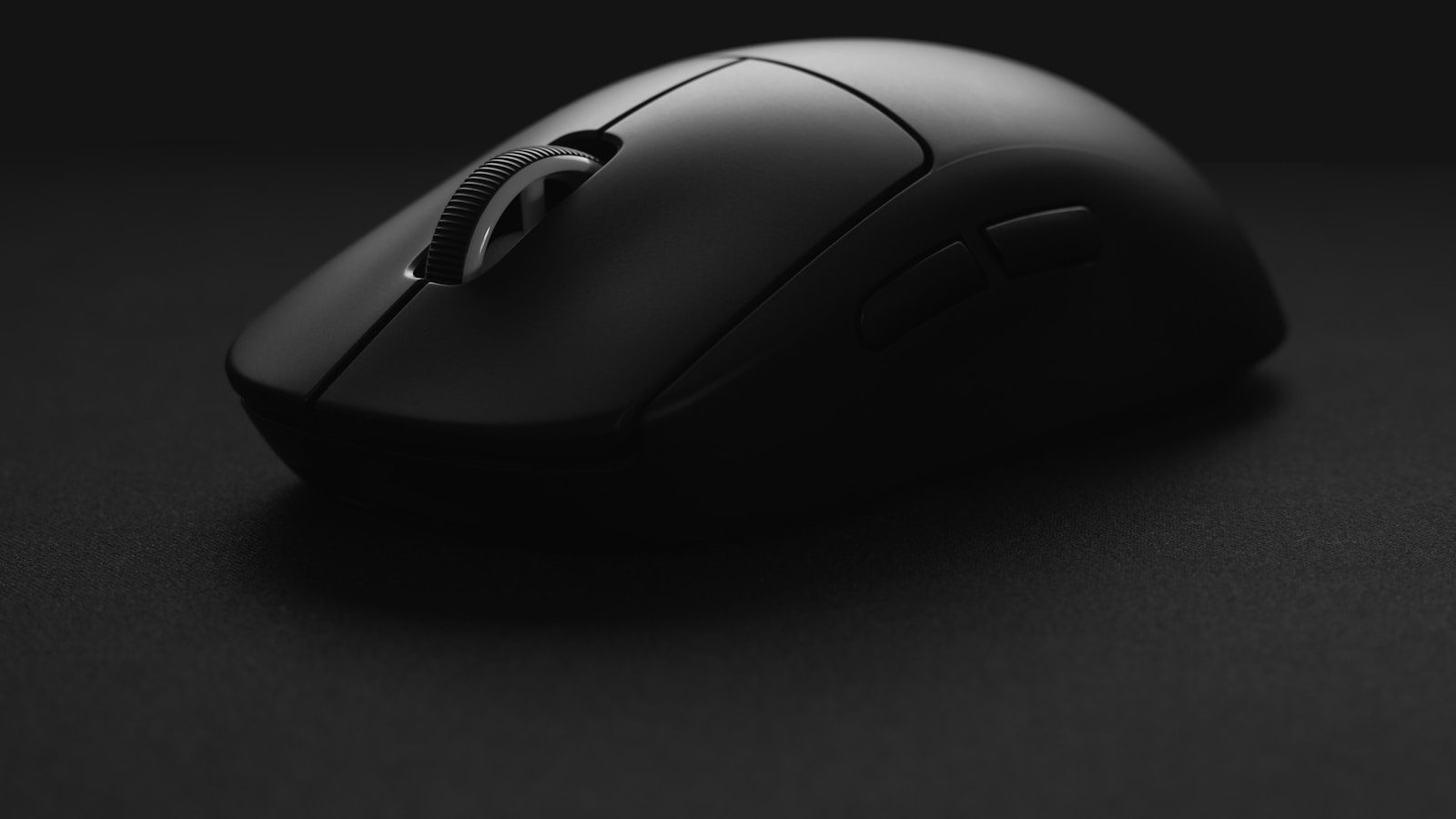
“Wireless is better” and “wired is better” are both oversimplified. The right choice changes depending on whether you’re buying a mouse, a keyboard, or a headset, and depends more on your specific habits than on either technology being universally superior.
Latency is close enough that it rarely decides anything
Modern wireless gaming peripherals using a dedicated 2.4GHz dongle perform within a millisecond or two of a wired connection, close enough that almost no player can feel the difference in practice. Bluetooth alone is the exception: it’s fine for a keyboard used for typing, but it introduces enough extra latency that competitive players still avoid it for a mouse. If a wireless mouse or keyboard ships with its own USB dongle rather than relying on Bluetooth, latency stops being a reason to default to wired.
Weight matters most for the mouse, least for the keyboard
A mouse gets picked up and moved constantly, so the weight of a battery and receiver is the one place wireless has historically had to fight its wired equivalent. Modern wireless mice have mostly closed that gap. A keyboard sits still on the desk, so the same battery weight that matters on a mouse is close to irrelevant on a keyboard. If you’re optimizing one peripheral for the lightest possible feel, it’s almost always the mouse, not the keyboard.
Battery life depends more on lighting than on the wireless connection itself
RGB lighting is the biggest drain on a wireless peripheral’s battery, not the wireless signal itself. A wireless mouse or keyboard with the lighting turned off routinely lasts several times longer per charge than the same device running a bright, constant RGB effect. If battery anxiety is the main hesitation about going wireless, turning off or dimming the lighting solves more of that problem than switching back to wired would.
Wired removes one thing to think about, at the cost of desk tidiness
A wired peripheral never needs charging, never has a dead battery at a bad moment, and never has a wireless dropout to troubleshoot. The tradeoff is a cable crossing the desk, which is the main reason themed setups lean wireless where they can. A mouse and keyboard cable are the two most visible cables on a desk. They cross your eyeline and sit in the middle rather than running along an edge.
A headset is the peripheral most people overthink
For a headset, the case for wireless is weaker than for a mouse or keyboard. A wired headset doesn’t need charging, has effectively zero latency, and audio quality is rarely the bottleneck either way at typical gaming-headset price points. Wireless is worth paying for if you regularly walk away from the desk while gaming or on a call; if the headset mostly stays plugged in and stationary, a wired one gives up little for a lower price.
Interference is a real but manageable issue in crowded rooms
Wireless peripherals sharing a desk with other 2.4GHz devices, another wireless mouse, a Wi-Fi router, a wireless headset dongle, can occasionally interfere with each other, showing up as brief cursor stutter or dropped keystrokes. Plugging the receiver into a front-facing USB port or a short extension cable instead of a rear port usually fixes it, since it shortens the physical distance and reduces interference from the case itself.
A simple way to decide
Buy wireless for the mouse first, since that’s where the cable is most noticeable and modern wireless mice give up the least in exchange. Consider wireless for the keyboard next, mostly for desk tidiness rather than any performance gain. Default to wired for the headset unless you specifically need to move around while using it. None of these are fixed rules, they’re just where the tradeoffs tend to land for most people.
