Guide
How to Choose a Desk With a Built-In Power Outlet
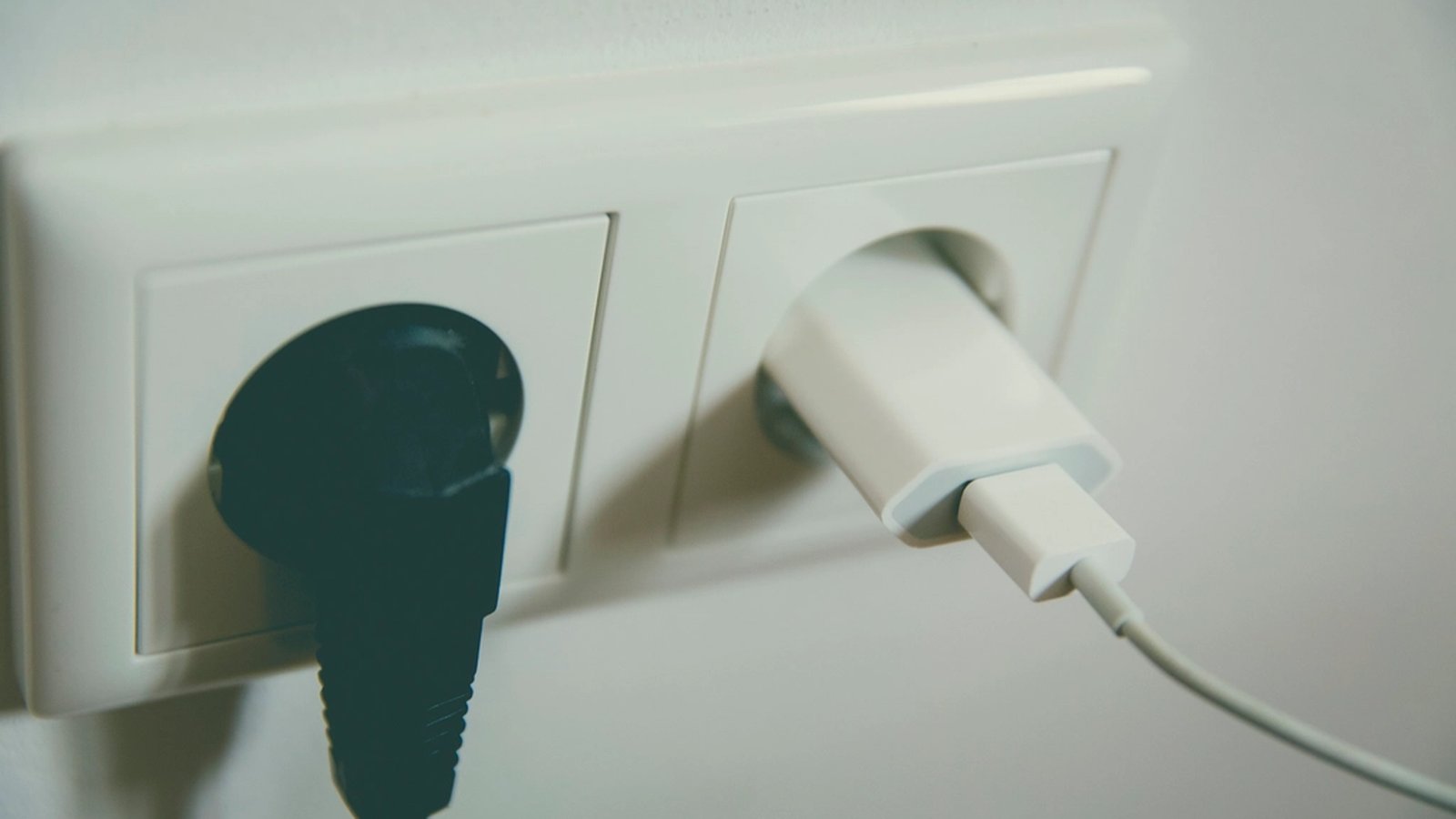
Plenty of desks now ship with a power strip built into the frame, usually bundled with a phrase like “charging station” on the listing. The pitch is one less accessory to buy and mount separately. Whether that actually pays off depends on where the factory put the outlets, since a strip built into the wrong spot on the desk causes the exact cable clutter it was supposed to prevent.
Where the strip sits matters more than how many outlets it has
A built-in strip mounted to the underside of the desktop, usually near a front or side edge, keeps outlets within reach of a keyboard, a phone and a desk lamp. Nothing has to cross the whole surface to reach it. A strip tucked deep against the back panel next to the wall connection solves a different problem: getting the desk itself powered, not charging what sits on top of it. Both count as “built-in” on a listing, so it’s worth checking a listing’s own photos for where the outlets actually sit before assuming they land somewhere useful.
USB-C ports charge more of today’s gear than USB-A alone
A built-in strip with only USB-A ports increasingly means keeping a separate USB-C cable or adapter around for a phone or a tablet that no longer ships with a USB-A cable in the box. A Lufeiya desk with a built-in power strip pairs two standard outlets with two USB charging ports in the same strip, but its listing doesn’t say whether those ports are USB-A or USB-C. Checking the port mix against what’s actually being charged day to day, rather than assuming any listed “USB port” covers a given cable, avoids a built-in feature that ends up unused.
A built-in strip is still a shared circuit, not a fresh one
Every outlet on a built-in strip draws from whatever single wall circuit the desk’s own cord is plugged into, the same as a separate power strip would. A monitor, a small desk lamp and a phone charger drawing from it at once is normal. A space heater or anything else with a real heating element is not, and stacking one onto a desk-integrated strip risks tripping a breaker or worse. Built-in doesn’t mean better protected. It’s worth confirming a listing mentions surge protection specifically rather than just counting outlet slots.
A short built-in cord still needs the desk near a wall outlet
The strip itself might be flush and tidy, but it still needs one cord running from the desk to a wall outlet. That cord’s length is usually fixed rather than something a separate power strip would let a person choose. A short factory cord can end up dictating exactly where the desk has to sit in a room, undoing some of the placement freedom a desk chosen for its size and shape is supposed to allow. Measuring the distance to the nearest wall outlet before assuming any desk placement will work heads off that surprise after delivery.
- Outlet location: check listing photos for front-edge or side mounting, not just a rear panel near the wall cord
- Port type: confirm USB-C is included rather than USB-A alone
- Protection: look for a stated surge rating, not just an outlet count
- Cord length: measure the distance to the nearest wall outlet before assuming any desk placement works
A built-in strip isn’t a reason to skip cable planning entirely
A built-in outlet solves where power comes from, not where every cable coming off it goes afterward. A monitor cable, a lamp cord and a charging cable can still tangle at the strip itself even when the strip’s own mounting is tidy. That’s the same routing problem a separate power strip has to deal with, just moved one step earlier in the setup. Planning where each cable runs from the built-in strip to its device keeps the one advantage a factory-integrated outlet has, a fixed and predictable location, from getting undone by loose cable ends anyway.
A desk’s built-in outlet is worth paying for when its location, port mix and protection actually match how the desk gets used, not just because “power outlet” appears in the listing title. Checked against those specifics, it can retire a separate power strip entirely. Checked only by outlet count, it just moves the same clutter problem a few inches to one side.
