Guide
How to Choose a Power Strip for a Desk
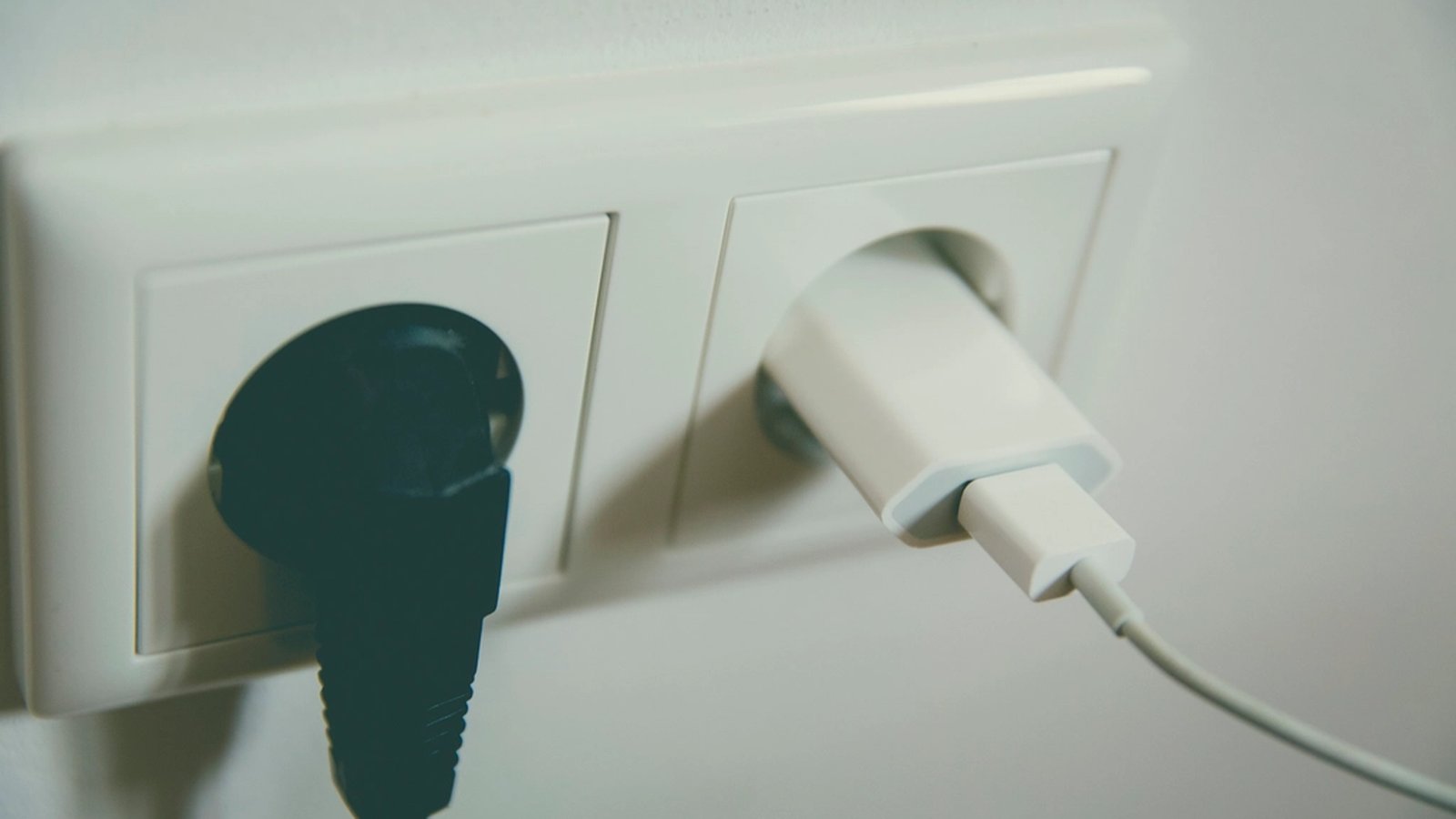
A power strip earns a spot on almost every desk, and unlike a keyboard or a monitor it rarely gets picked with the rest of the setup in mind. It usually shows up last, bought in a hurry once the outlet count runs out, in whatever finish the store had in stock. That’s fine for a strip mounted flush under the desk where nobody sees it. Plenty of desks don’t have that clearance. The strip ends up on the floor, on a shelf, or draped over the back edge in plain view.
Where it actually sits decides how much the color matters
A strip mounted underneath the desk on a tray or clipped to the frame is mostly invisible, so its color barely matters next to a bright white or matte black finish. A strip on the floor next to a chair, on an open shelf, or on the desktop itself is a different problem. It sits at or near eye level for as long as the desk is in use. This site’s own guide to cable management covers planning where the strip goes before anything gets mounted. That decision is the first color decision too. A strip that will be hidden doesn’t need to match anything.
White and black cover more themes than a colored strip ever will
Most power strips come in white or black rather than the accent colors a themed desk usually leans on, which sounds like a limitation but works in the strip’s favor. A neutral strip doesn’t need to match Ocean’s teal or Sunset’s amber the way a desk mat or a keyboard does. It reads as infrastructure rather than decor, as long as the color isn’t jarring on its own. A strip in a loud, mismatched color draws exactly the kind of attention a hidden accessory shouldn’t get, which is the one way this piece can actively work against a theme instead of just sitting neutral in it.
Built-in USB ports retire the wall-wart chargers that actually clutter a desk
A strip with two or three USB-A or USB-C ports built into the body means one less charging brick taking up an outlet and one less white or black plastic cube sitting somewhere on the desk or floor. Since most desk gear charges over USB anyway, phones, earbuds cases, some desk lamps, this does more to reduce visible clutter than the strip’s own color ever will. It’s worth checking the wattage on the built-in ports specifically, since a strip advertising fast charging on its main outlets doesn’t always carry that spec over to the USB side. A clamp-mounted strip such as this desk clamp power strip with USB-C also puts those ports at desk edge height, which is where they are actually useful for a phone or an earbuds case.
Bulky plugs need spaced-out outlets, not just more of them
A strip with six outlets packed tightly together can still only fit two or three plugs if the rest of what’s plugged in has an oversized wall-wart transformer, since those blocks routinely cover the outlet next to them. Strips built with rotating outlets, or with extra spacing between each socket, avoid losing capacity to a handful of bulky chargers. This matters more on a themed desk than it sounds like it should. A strip with no spare outlets usually means a second strip gets added later, doubling the cable clutter a themed setup is trying to avoid.
Individually switched outlets cut down on stray standby lights
A switch per outlet, rather than one master switch, makes it possible to kill power to a monitor, a printer or a charging dock without unplugging it. It also keeps a stray green or red standby light from glowing somewhere in the room all night. On a desk built around a specific set of colors, an unrelated indicator light left glowing overnight is a small but real inconsistency. It’s the same problem this site’s guide to RGB lighting covers for every other light on the desk.
Joule rating and cord length are still the parts that actually protect the gear
None of the above matters if the strip doesn’t do its job. A surge protector’s joule rating measures how much energy it can absorb before it stops protecting what’s plugged into it. A higher number is a functional upgrade, not a cosmetic one. That matters on a desk carrying a monitor arm’s worth of easily damaged electronics. Cord length matters just as much in practice. A short cord lets the outlet decide where the desk sits. Six feet or more turns desk placement back into a design decision instead of a constraint set by the nearest wall socket.
Getting a power strip right on a themed desk comes down to two questions that have nothing to do with color: where is it actually visible, and how many separate chargers can it let you get rid of. Once those are settled, sticking to white or black solves the color question by making it a non-issue in the first place.
