Guide
How to Choose Gaming Room Lighting
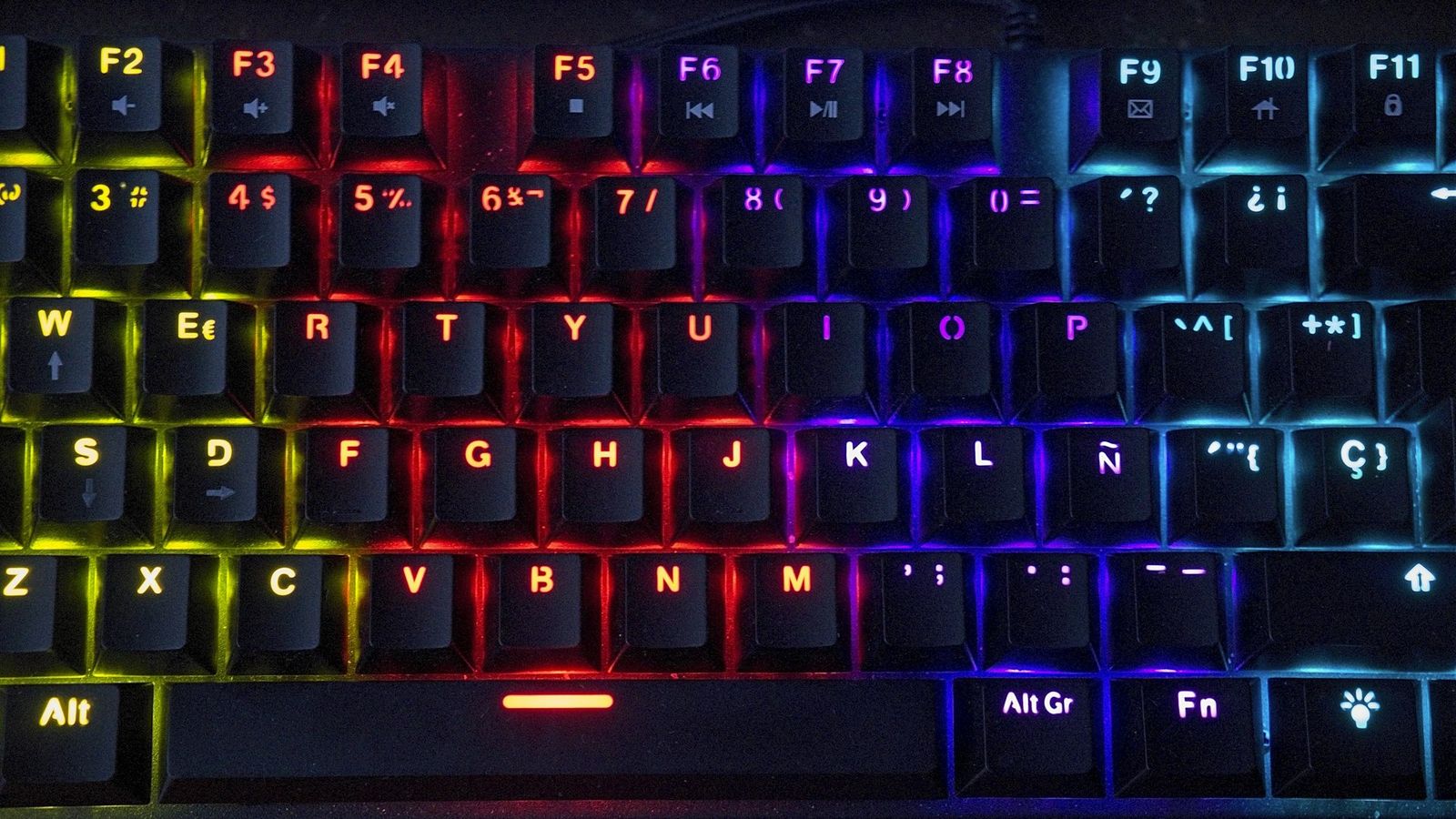
A single desk lamp lights a keyboard but leaves the rest of a gaming room dark once the monitor turns off. Room lighting fills that gap, but it solves a different problem than the RGB strip already stuck behind a keyboard or mouse. Getting it right comes down to where the light goes, whether it actually reacts to the room, and whether it fights the glare off the screen instead of helping it.
Desk lighting and room lighting solve different problems
Desk-level RGB, like syncing RGB gear across brands on a keyboard or mouse, only lights the area directly around the setup. Room lighting fills the walls and ceiling around it, which is what actually registers in photos and makes the space read as a dedicated room instead of a desk shoved into a corner. Neither replaces the other. A themed desk with no room lighting around it still looks like a spotlight in a dark box.
Where a strip gets mounted changes what it actually lights
Mounting behind the monitor washes the wall right behind the screen and does the least to light the rest of the room. Running a strip along ceiling molding or a shelf line spreads light across more of the space. Running one under the desk or along a baseboard adds a glow at floor level that reads as intentional from across the room but contributes almost nothing to actually seeing by. Pick the mount position based on what part of the room the light needs to reach, not whichever surface the adhesive sticks to easiest.
A strip that reacts to the room beats one stuck on a preset cycle
Plenty of strips only cycle through a fixed list of color presets, regardless of what’s happening in the room.
A Govee 32.8-foot RGBIC strip is the kind of listing to look for. It names an integrated high-sensitivity mic with 11 music modes, alongside 64 preset scenes in the app, and RGBIC means one strip can show several colors along its length at once.
A listing that calls out a built-in microphone, rather than only an app with preset scenes, is the one that actually responds to a movie’s audio or a game’s soundtrack instead of changing color on a timer.
A neon sign works best as an accent, not the main light source
Neon-style LED signs read as the star of a room exactly because they’re not meant to light the whole space. Used as the sole light source, a neon sign leaves most of a room dim while one wall glows, which looks less deliberate up close than it does in photos. Pairing it with a dimmer, broader light source elsewhere keeps the sign an accent instead of the only thing working.
Any light aimed at the screen becomes glare, not ambiance
A lamp or strip positioned where it reflects directly off the monitor adds a visible glare spot that fights the image on screen. Lighting placed behind or to the side of a monitor light bar or the screen itself, rather than facing it, lights the room without washing out the display. Checking the setup at night with the monitor on, not just during the day, is the only way to catch a glare problem that looked fine on paper.
Color temperature should follow the theme, not fight it
A cool white accent light next to a setup styled around warm orange and pink tones undercuts the color story instead of extending it. Matching a room light’s white or RGB output to the same hue family already in the desk’s theme reads as one planned space rather than two different standards stitched together. A light with an adjustable white temperature, not just a fixed color, makes that match easier across different desk themes.
Mount position and whether a light reacts to the room decide most of how gaming room lighting actually functions. Glare and color matching round out the rest, and testing the result at night with every screen running is the only check that catches what a lighting plan misses on paper.
