Guide
How to Choose a Headset Stand for Your Desk
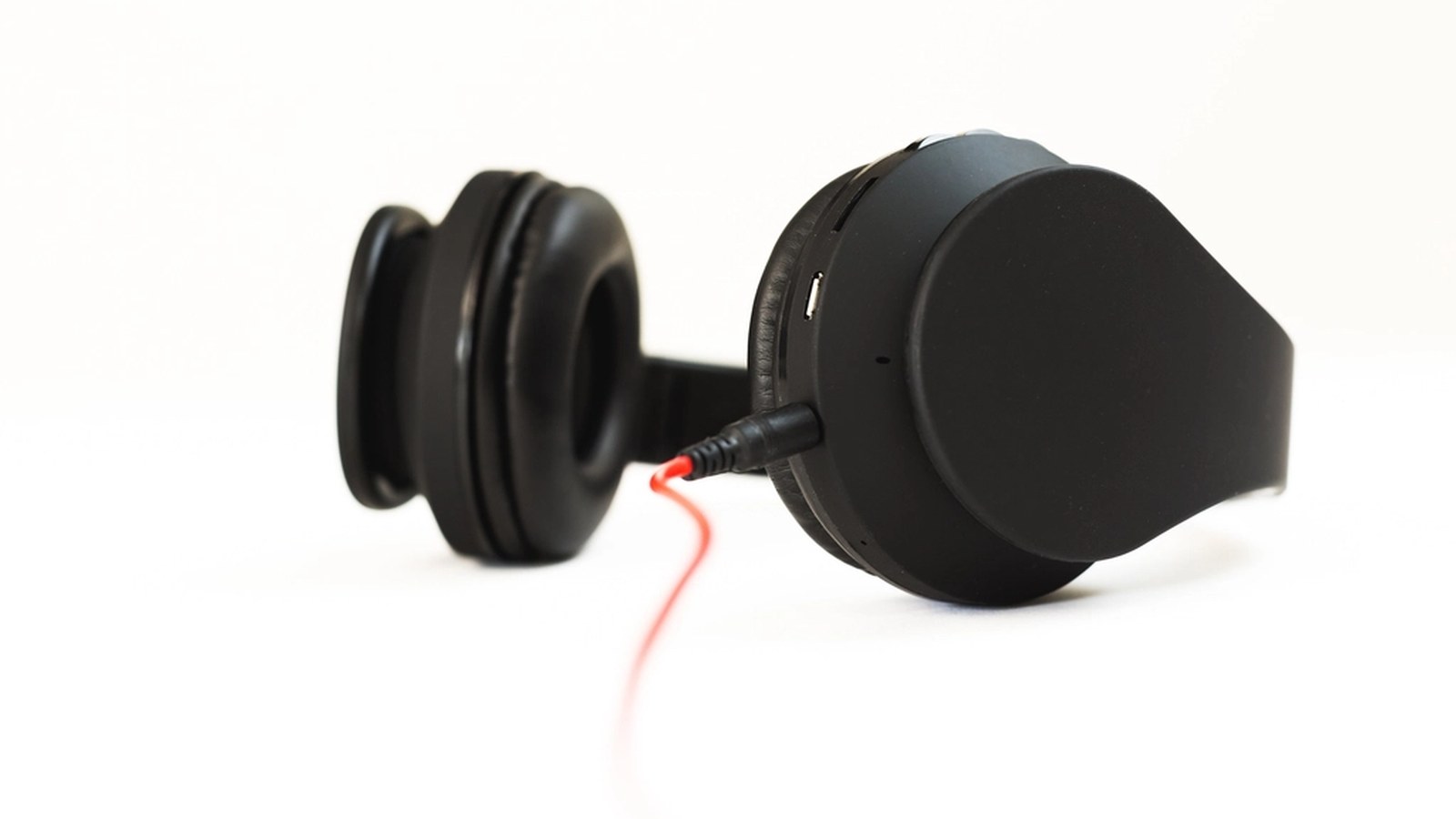
A headset that gets left on the desk between calls or sessions ends up parked wherever there’s room: draped over a monitor, coiled next to the keyboard, or knocked to the floor by an elbow. A stand fixes the practical problem. It’s also a piece of hardware sitting at eye level for most of the day, so it either reinforces a themed desk or quietly works against it, the same way a mismatched wrist rest would.
Freestanding versus desk-clamp changes how much desk footprint it costs
A freestanding stand sits on its own base and can be moved anywhere the headset needs to land, but it claims a permanent circle of desk space even when nothing is hanging from it. A clamp-on stand mounts to the back or side edge of the desk and holds the headset off to the side. That frees the surface directly in front of the keyboard. The cost is needing a desk edge thin enough for the clamp to grip. A rotating clamp-on model such as the EURPMASK headset stand is the usual starting point, since the arm swings out of the way while the headset is actually being worn. Smaller desks and corner setups tend to do better with the clamp version. It’s the same point this site’s guide to small desk setups makes: surface space that isn’t there can’t be reclaimed by a stand, however compact it looks in photos.
Base material and finish carry more visual weight than the arm
The vertical post of a headset stand is usually thin enough to read as a neutral line regardless of finish, but the base is a flat, walkable-scale surface that sits at desk height where it gets seen constantly. A wood base in a light or dark stain fits a warmer palette, the same way a wood monitor riser would. Brushed metal or matte black fits cooler, darker themes. An acrylic or frosted base lets whatever is underneath show through instead of adding a color of its own. The arm and hook matter far less than the base, since they’re thinner and usually just match whatever finish the base already committed to.
A cable hook underneath keeps the boom cable from becoming its own clutter
Most stands built for headsets rather than plain headphones include a hook or cutout under the base for a USB or boom-mic cable. The cable coils out of sight instead of trailing across the desk to wherever it plugs in. A stand without that feature works fine for a fully wireless headset. On anything with a cord it becomes one more loose cable to route, which undercuts the tidiness a stand is supposed to add.
Match the stand’s height to how the headset actually sits at ear height
A stand that’s too short forces the headband to bend down to clear the desk, which stresses the hinge points over time. One that’s too tall leaves the ear cups hanging above where a hand naturally reaches. Most listings give a height in inches from base to hook. Measure the drop from the top of the headband to the bottom of the ear cups on the actual headset first. That distance varies more between models than most buyers expect.
RGB or backlit bases need to match color temperature, not just glow color
A stand with a lit base is doing the same job a monitor light bar or LED strip does elsewhere on the desk, and this site’s own guide to RGB lighting covers syncing that glow across brands. The color it can be set to matters less than whether it can be set at all. A fixed white base at the wrong color temperature clashes with a themed setup the same way an unmatched desk lamp would. An RGB base that can be dialed to match the room is the safer buy, even in a palette that never uses RGB directly.
Weight capacity and stability matter more with heavier closed-back headsets
A lightweight open-back headset barely tests a stand’s stability. A heavier closed-back or studio-style headset can tip a stand with an undersized base or a thin post, especially if it gets set down off-center or bumped. Checking a stand’s rated weight capacity against the headset’s actual weight, listed on both products’ spec sheets, avoids finding out the hard way that a top-heavy pairing doesn’t sit as steady as it looked in photos.
Getting a headset stand right starts with the same footprint and stability questions as any other desk accessory, and the color decision is really just picking a base finish that already fits everything else on the desk. Once those are settled, a stand does the one thing draping a headset over a monitor never does: it gives it a fixed, intentional place to be seen.
