Guide
How to Choose an Under Desk Cable Tray
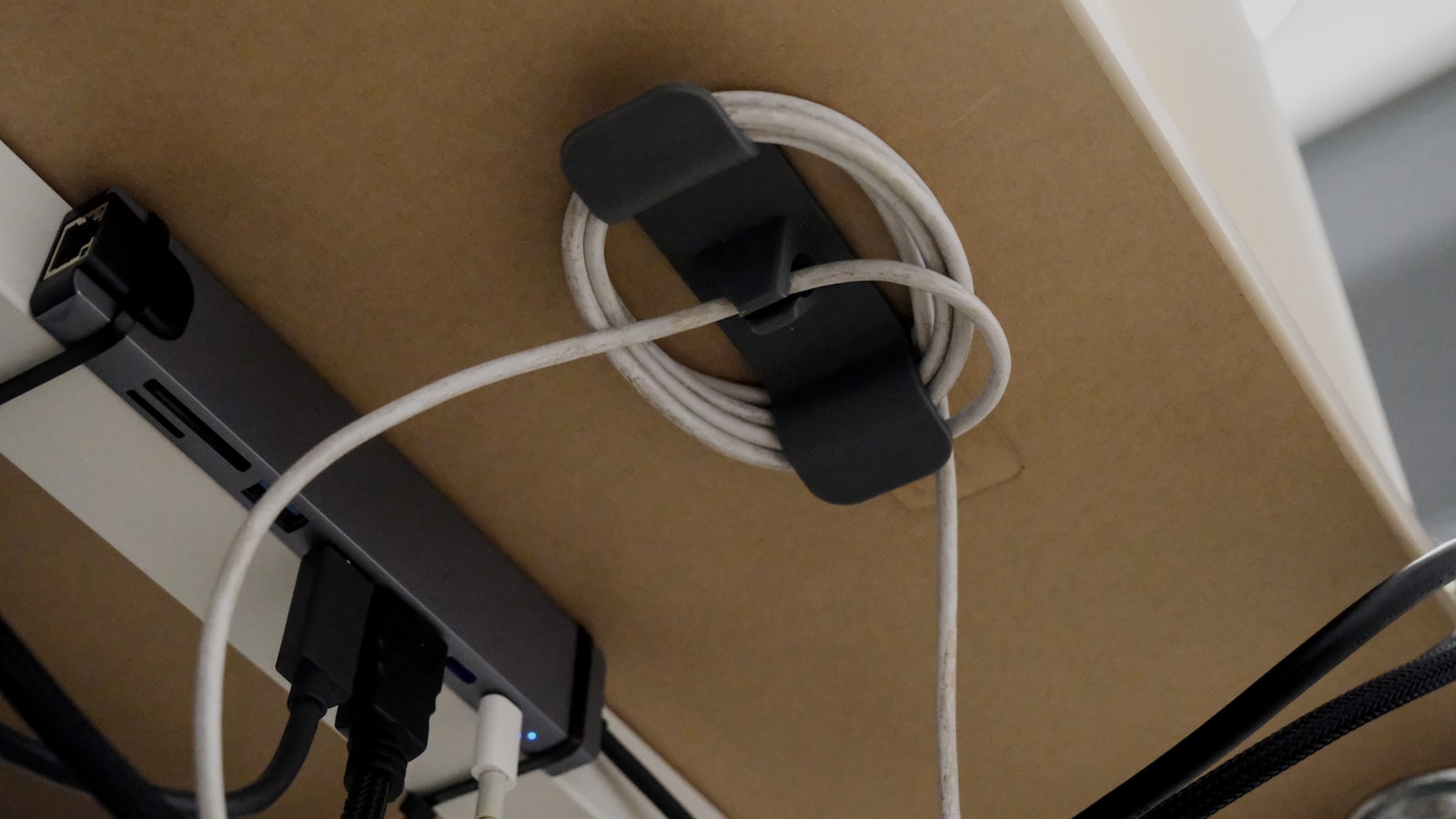
Bend down to plug something in and the first thing you see is a tangle: a power strip, three chargers, a dock, all resting directly on the floor or hanging off the desk’s edge by their own cords. A tray fixes that. It gives the whole mess a shelf of its own, up and out of the way. Picking the wrong one just moves the tangle a few inches higher.
A tray and a raceway solve different problems
A raceway is a shallow channel that routes cables along a path, keeping them from hanging loose or crossing each other. A tray is a basket or shelf with real depth, built to hold a power strip and a handful of bricks, not just guide wires past a point. Product listings use the words loosely, so check the depth in the photos rather than the name. If the goal is hiding a power strip and its plugged-in adapters, a raceway is too shallow. If the goal is only keeping a scatter of cables from swinging visibly under the desk, a tray is overkill.
Clamp, screw and adhesive mounts leave the desk in different states
A clamp-mount tray grips the desk’s underside with a C-clamp and needs no drilling, which makes it the safe default for a rented, borrowed, or otherwise unmodified desk. A screw-mounted tray holds more weight without sagging over time, but leaves permanent holes if it’s ever removed. Adhesive mounts skip both problems using industrial-strength tape, though they depend entirely on the desktop’s surface. Adhesive rarely holds on raw wood or a textured laminate the way it does on smooth painted MDF, so match the mount to the desk before the cable count.
Length should match how many cords are converging, not just the desk’s width
A short tray, 12 to 17 inches, suits a single power strip and a couple of chargers off to one side. A desk running a monitor arm, a dock, a lamp and a second monitor’s power brick needs 24 inches or more. Anything shorter spills past either end of the tray and back onto the floor. Measure the actual cluster of cords rather than the desk’s full width, since most of that width usually stays empty.
Depth decides whether power bricks fit, not just the cables feeding them
A shallow tray, under about 3 inches, holds thin cables fine but pushes back against anything wider, like a laptop charger’s brick or a power strip with staggered outlets. A tray like this steel under desk cable tray runs 15.7 inches with a clamp mount and no drilling required, sized for a single power strip and its attached bricks rather than a full desk’s worth of cabling. Check the interior depth against the thickest brick going in it, not the average cable.
A standing desk needs slack built into the loop, not just a tray underneath
A tray mounted at a fixed height works fine on a fixed desk. A sit-stand desk is different: if the tray clamps to the frame rather than the top, it stays put while the surface moves up and down above it. Cables running from the tray to the desktop need enough slack to cover that full travel range, without pulling taut at the top of the lift or coiling on the floor at the bottom. Check the desk’s stated lift range, usually 20 to 30 inches, and route cables with room to spare rather than a cable pulled tight at the desk’s current height.
Routing the cables is a separate step from mounting the tray
A tray gives the cabling somewhere to sit once it’s off the desk and off the floor. But the routing and sleeving itself still has to happen first: deciding where each cable runs, going wireless where it makes sense, and finishing with velcro rather than zip ties. Mount the tray after that plan exists, not before, since moving a tray to match a routing decision made later usually means redoing both.
Getting a cable tray right starts with matching the mount to what the desk can take and the length to what’s actually converging under it. Depth and standing-desk slack are what decide whether it still works once the power strip and every charger that plugs into it are actually sitting inside.
