Guide
How to Choose a Laptop Monitor Mount for Your Desk
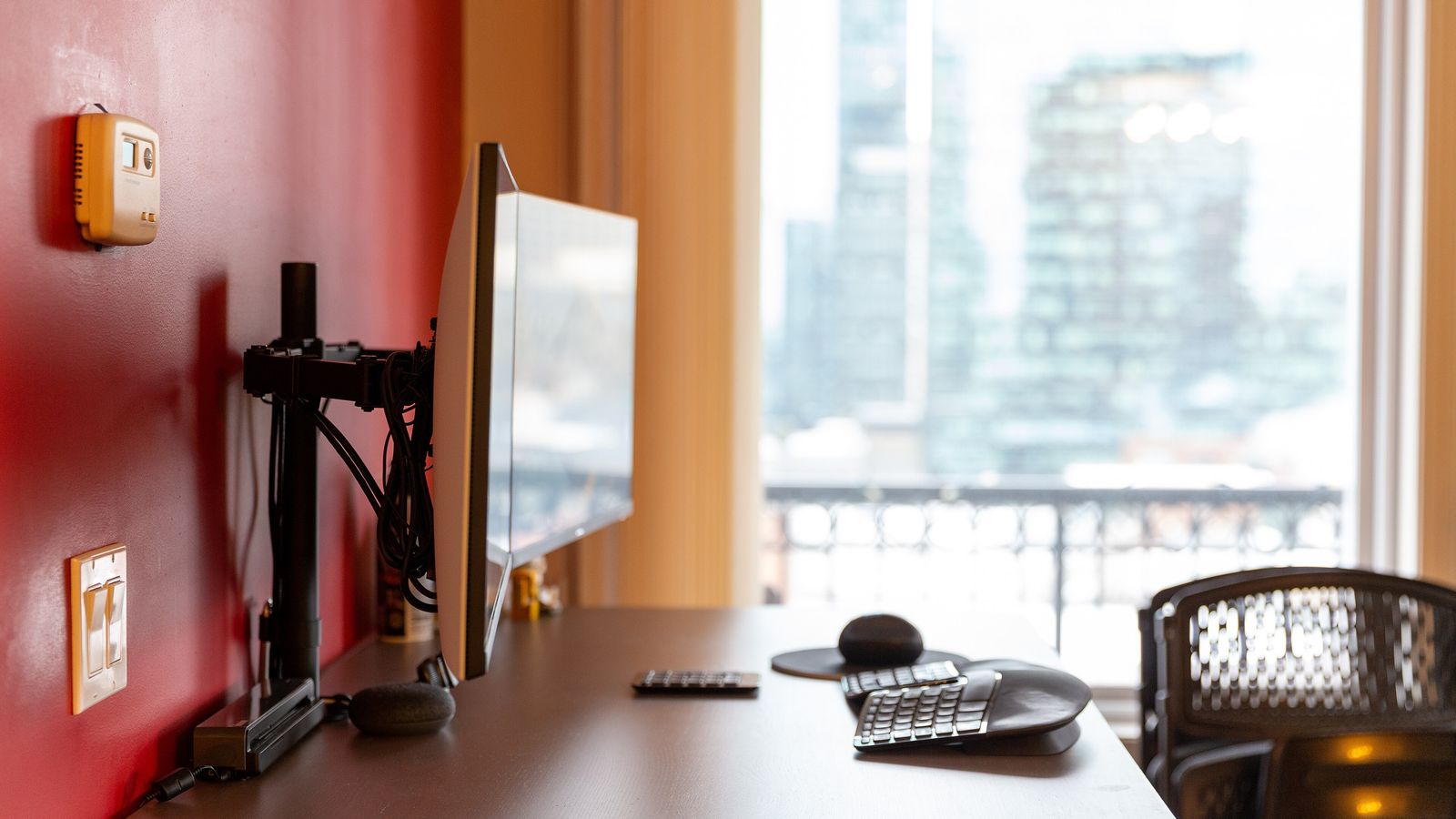
A laptop docked to an external monitor usually ends up flat on the desk next to it, screen dark, doing nothing but taking up space. A laptop monitor mount raises that laptop off the desk and lines it up with the external screen instead. The search term covers two genuinely different products, though, and picking the wrong one means returning it.
“Laptop monitor mount” covers two different builds, not one
Some listings bolt a flat tray onto the same VESA plate a monitor would normally sit on. That means the arm holds either the monitor or the laptop, one at a time, never both. Others, like a HUANUO monitor arm with laptop tray, put the laptop tray on its own arm on the same pole as the monitor. That version holds both together. A single arm with a swappable plate suits someone who only ever uses one screen at a time. A dual-mount version is the one that matters if a monitor and a laptop both need to stay up during the same session.
The tray grips a laptop that has no VESA holes to bolt into
A monitor attaches through four threaded holes on its back. A laptop has none, so the tray holds it by friction and geometry instead. Most trays use adjustable side clamps or lips that close in on the laptop’s edges, backed by a rubber or foam pad on the deck to stop it sliding. Some trays add a detachable strap over the lid for a second layer of hold, and others rely on a raised lip along the front edge. That extra hold matters more once the arm tilts the laptop to match a monitor’s viewing angle rather than sitting it flat. Checking a tray’s stated width range against the laptop’s actual footprint, not just its screen size, avoids clamps that can’t close far enough or a laptop that rattles loose inside them.
Combined weight determines whether the arm sags or holds steady
Some mounts give one weight rating for everything hanging off the pole. On those, a heavier monitor leaves less of that budget for the laptop, and vice versa. Loading an arm close to its stated limit tends to show up as sag over the following weeks rather than an immediate failure, so a wobbly arm in the first few days is already a warning sign. Others rate each arm on its own. The HUANUO arm linked above is rated for a monitor up to 22 lbs, with the laptop carried on a separate arm. That’s worth checking directly rather than assuming a single combined figure applies. Whichever way it’s rated, leaving headroom below the stated maximum keeps the arm from drifting down over time.
Height alignment between the two screens takes a second adjustment
An external monitor and a laptop screen sit on separate parts of the mount. Getting one to eye level doesn’t automatically bring the other along with it. The ergonomics basics put the monitor’s top edge at eye level. A laptop tray usually needs its own height and tilt set independently to land the laptop’s screen in the same field of view, rather than well below it. Mismatched height between the two screens is one of the more common complaints on this category of mount, and it comes down to that second adjustment being skipped rather than any fault in the hardware itself.
Clamp thickness and glass desktops follow the same rules as any other clamp mount
A standard clamp on this style of mount typically covers desks up to a bit over 3 inches thick. A larger clamp is usually sold separately for anything thicker. A grommet base, which passes a bolt through a hole drilled in the desk, is the fallback for an edge too oddly shaped to clamp, though its thickness range can be narrower than the clamp’s. Glass desktops need a separate reinforcement plate on most of these mounts, the same way a clamp lamp needs a wider, padded jaw instead of a standard one. Skipping that plate on glass risks cracking the desktop rather than just failing to grip it. Some models skip the glass option entirely and are rated for wood desks only.
This is a different piece of hardware from a monitor stand or riser, which only ever holds one screen, and from a standalone laptop stand, which assumes no external monitor is involved at all. Getting a laptop monitor mount right starts with picking the single-arm or dual-mount version that actually matches the setup. Weight budget and tray fit come next, and the height alignment step is what ties both screens together at the end.
