Guide
How to Choose a Standing Desk Converter
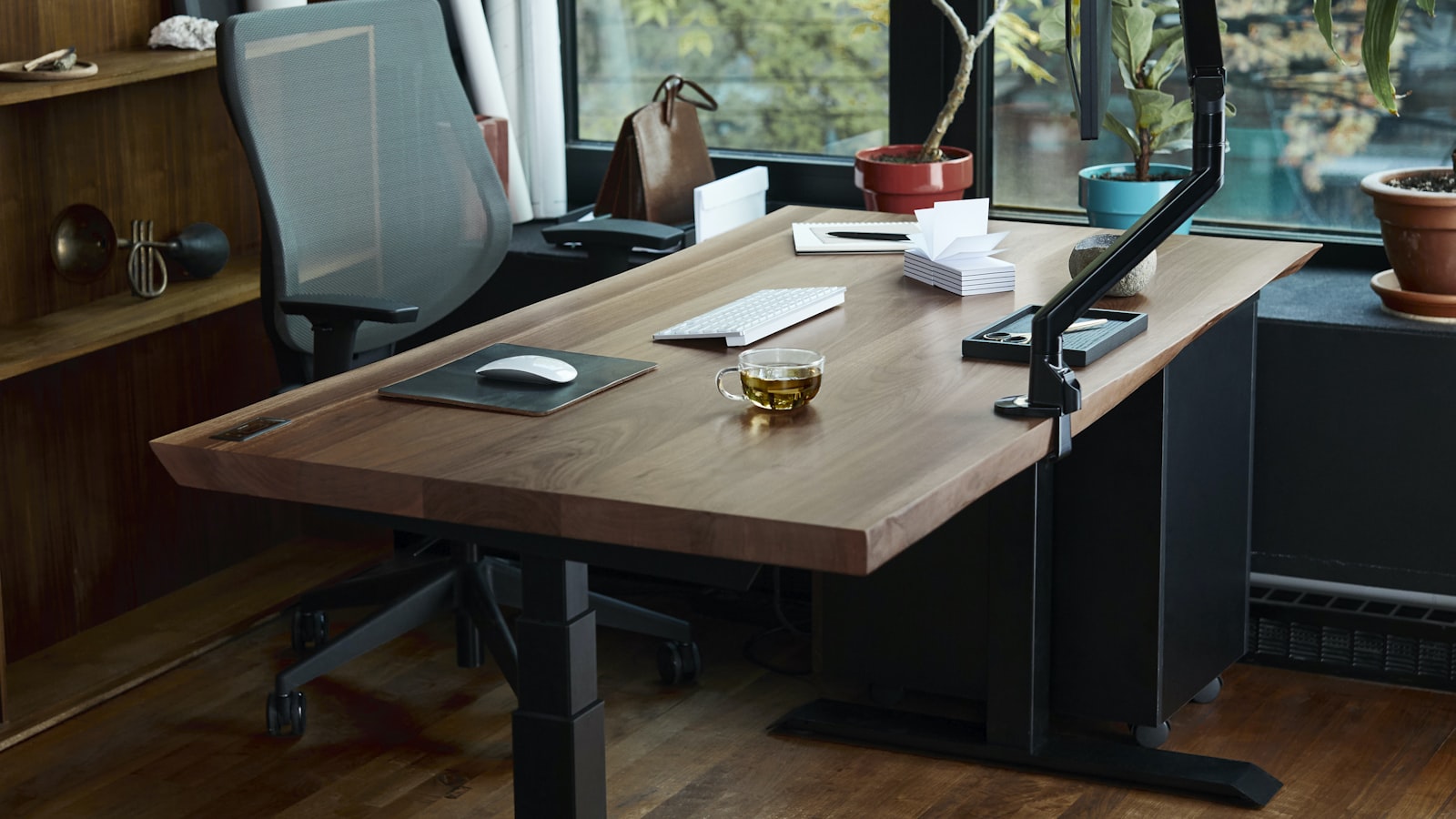
Buying a full standing desk means replacing furniture that might otherwise work fine. A standing desk converter sits on top of the desk already there and lifts the monitor and keyboard together, so sitting and standing both stay options without a new desk taking up floor space. The catch is that a converter doesn’t set a standing height on its own. It adds a lift range to whatever height the desk underneath already is, and getting that math wrong is the most common way a converter ends up too short or too tall to use standing.
The desk underneath sets the floor, the converter sets the range
A converter’s spec sheet lists how far it lifts, not the final standing height. That number gets added to the desk’s own height to find out where the keyboard actually ends up when raised all the way. A VIVO 32-inch converter with a keyboard tray lifts from around 4.5 inches above the desktop to about 20 inches, which is the range to check against elbow height rather than the desk’s height alone. Anyone unsure what that elbow height should be can work it out with a guide to proper desk height first, since a converter can’t fix a desk that was already the wrong height to sit at.
A desk that’s unusually low or unusually tall can push the standing range out of reach even from a converter with a generous lift. Measuring the desk first avoids ordering a converter whose range doesn’t reach a comfortable standing height on that particular desk.
Worktop width has to fit the monitor setup, not just one screen
Converter worktops are quoted by width and depth, and a single 24-inch monitor fits on a narrower platform than a dual-monitor arm or a monitor plus a laptop side by side. Measuring the footprint of whatever sits on the converter, base included, before ordering avoids a screen that overhangs the edge or a second monitor that has nowhere to go.
Depth matters just as much as width. A worktop deep enough for the monitor’s stand can still be too shallow once a keyboard tray sits below it and needs its own clearance from the desk edge.
A keyboard tray sets its own height, separate from the monitor shelf
A converter with a keyboard tray raises and lowers the keyboard on its own level, independent of the monitor platform above it. That matters because the keyboard needs to land near elbow height while standing, which usually isn’t the same height that puts the monitor at eye level. A flat platform with no separate tray forces a choice between the two.
Tray depth is also worth checking against the keyboard and mouse together. A shallow tray fits a compact keyboard but crowds a mouse working next to it, which pushes the mouse back onto the fixed desk surface below and undoes some of the point of a tray in the first place.
Weight capacity covers everything riding on the platform, not just the monitor
A converter’s rated capacity has to hold the monitor, its stand, and anything else left sitting on the platform, added together rather than checked against the monitor alone. A heavier monitor arm mounted to the platform itself, rather than clamped to the fixed desk, also counts against that same number.
Checking the manufacturer’s listed capacity for the exact model before ordering is worth the extra step, since capacity tends to vary between sizes in the same product line rather than staying constant across a manufacturer’s whole lineup.
Repeated lifting only stays easy if the mechanism matches how often it moves
Gas-spring and counterbalance mechanisms lift with one hand and hold position without a crank, which matters most for anyone switching between sitting and standing several times a day. A crank-adjusted converter costs less but takes longer per change, which tends to mean it gets left in one position instead of actually alternating.
A converter changes desk height, but it does nothing for the floor underneath. Anyone planning to stand for long stretches once the desk is set up should also look at an anti-fatigue mat for that same spot.
What to check before ordering
- Desk height added to the converter’s lift range, checked against elbow height while standing
- Worktop width and depth measured against the full monitor setup, not just one screen
- A separate keyboard tray if the monitor platform’s own height doesn’t land near elbow height
- Weight capacity checked against the monitor, its stand, and anything else left on the platform
- A gas-spring or counterbalance lift for anyone switching positions more than once or twice a day
A converter is really the desk’s existing height plus whatever range the platform adds on top of it. Getting the numbers to add up to a comfortable standing height, before anything ships, is most of the work of choosing one.
