Guide
How to Choose a Monitor Arm With the Right VESA Mount
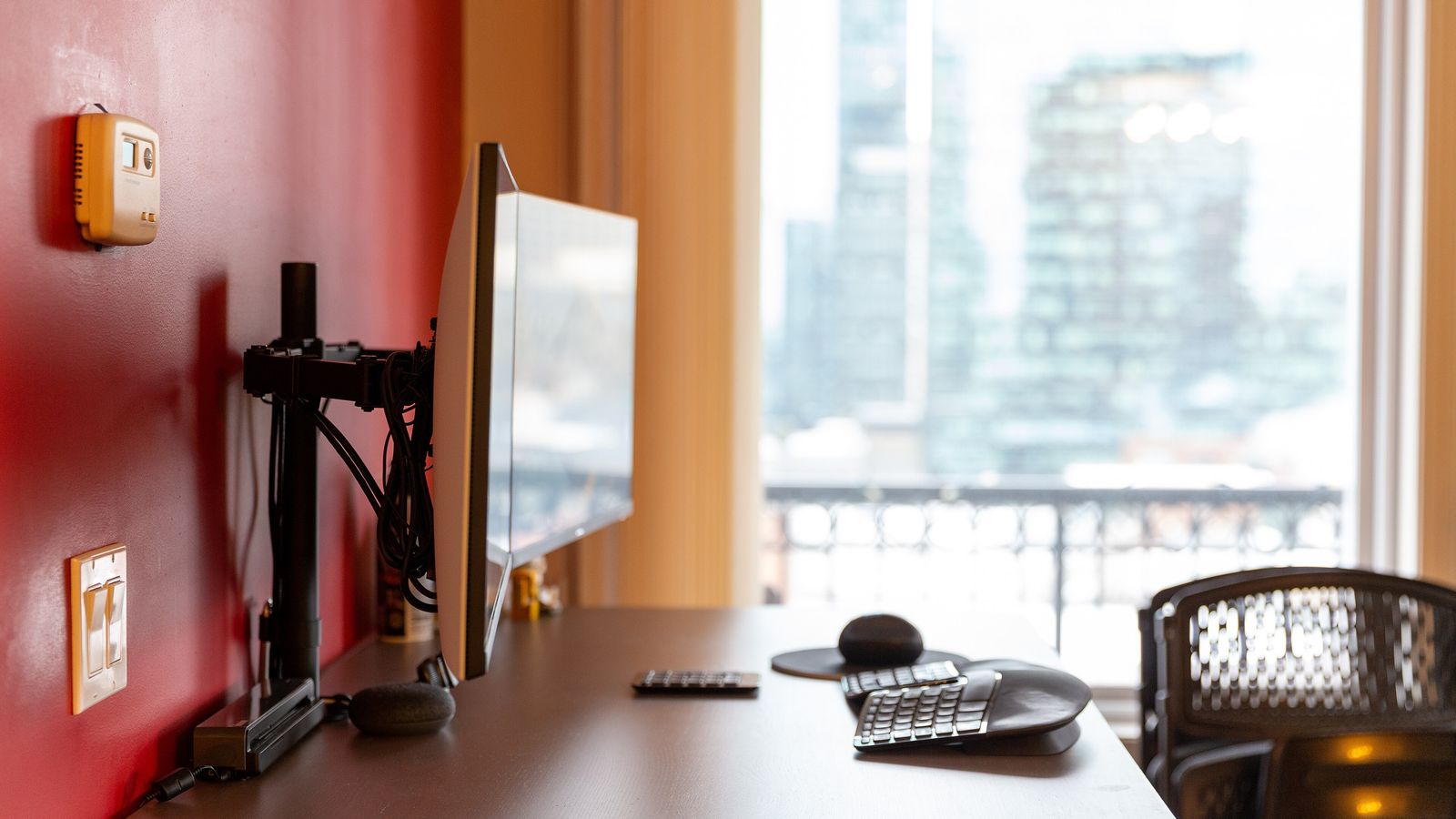
A stand fixes a height problem and stops there. It can’t swing out of the way when a laptop needs the desk, tilt toward a second screen, or drop low enough to keep working standing up. A monitor arm does all three. That only works when three separate fits line up: the mount matches the screen’s VESA holes, the desk can actually take the base, and the spring is tuned to the monitor it ends up holding. Whether a fixed stand or a full arm is the right call in the first place is a separate question; this is about getting the arm itself right once that’s decided.
Confirm the VESA pattern before comparing anything else
VESA is the hole pattern on the back of the monitor, not a brand or a feature. Desk monitors almost always use 75 by 75 millimeters or 100 by 100 millimeters, measured hole to hole. An arm listed for both covers most screens sold in the last decade. A HUANUO gas spring monitor arm lists support for either pattern rather than picking one, which is the safer spec to shop for when the exact monitor model isn’t settled yet.
Some ultra-thin monitors and a handful of older all-in-one designs skip the holes entirely and build the stand into the panel. No amount of arm shopping fixes that. The monitor has to have the mounting holes before an arm is even an option, so check the spec sheet first.
Desk thickness decides between a clamp and a grommet base
Most arms ship with both mounting options, and the desk decides which one actually gets used.
- Clamp: grips an exposed edge of the desktop and needs a thickness the jaw can close around, typically somewhere between half an inch and three inches
- Grommet: drops through a hole drilled in the desktop and bolts underneath, which works on a desk with no accessible edge, such as one built into a corner or backed against a wall
Measure the desk’s edge thickness before ordering. A clamp rated for a thinner range than the desk actually is won’t close all the way, and one rated well above the desk’s thickness can rock instead of gripping firmly.
The spring has to match the monitor’s actual weight, not the arm’s ceiling number
A gas spring resists the arm’s motion so the monitor holds still at whatever height it’s set to, instead of drooping or drifting. That resistance is tuned to a weight range, not a single number. A monitor sitting well under the range tends to float upward on its own. One sitting near the top of the range sinks slowly instead.
The HUANUO arm above is built for screens between 13 and 32 inches weighing 4.4 to 19.8 pounds. A monitor weighed without its factory stand, since that’s the load the arm actually carries, needs to land inside that window rather than just under the ceiling figure. Some arms add a tension knob that narrows the gap further; it’s worth checking for one when the monitor sits near either end of a spring’s stated range.
Longer reach trades desk clearance for stability
An arm’s reach is the horizontal distance from the clamp to the monitor once it’s fully extended. A longer reach clears more desk space and lets the screen swing further from the wall, but it also puts more leverage on the clamp holding it.
A monitor that bounces after a light touch, or drifts to one side under its own weight, usually means the reach is asking more of the base than it can steady. Shorter reach paired with a heavier monitor tends to sit calmer than long reach paired with a light one, even when both are technically inside the arm’s rated capacity.
Route the cable before mounting, not after
Rotating or raising the arm pulls on whatever cable runs from the monitor down to the desk. Some arms build a channel into the post that hides the run and gives it room to flex. Others rely on clip-on management that has to be routed by hand after the fact.
A cable pulled taut at full extension is a sign to add slack, not a sign to stop moving the arm there. Once the cable reaches desk level, a tray underneath keeps that run from tangling with whatever else shares the same edge.
What to check before ordering
- VESA pattern measured hole to hole on the monitor itself, matched against the arm’s listed 75mm or 100mm support
- Desk edge thickness measured against the clamp’s stated range, or a grommet hole where no edge is exposed
- Monitor weight without its factory stand, checked against the spring’s full range rather than only its top number
- Reach length weighed against how much wobble is acceptable at full extension
- A cable path with slack left over at the arm’s most extended position
A monitor arm looks like a single purchase, but it’s really three fits stacked on top of each other: the panel’s holes, the desk’s edge, and the spring’s tension. Getting each one right is what makes the arm disappear into daily use instead of becoming something to fight every time the screen needs to move. A portrait-capable stand or a laptop and monitor mount both build on the same three checks, just for a different load on the post.
