Guide
How to Choose a Portrait Monitor Stand
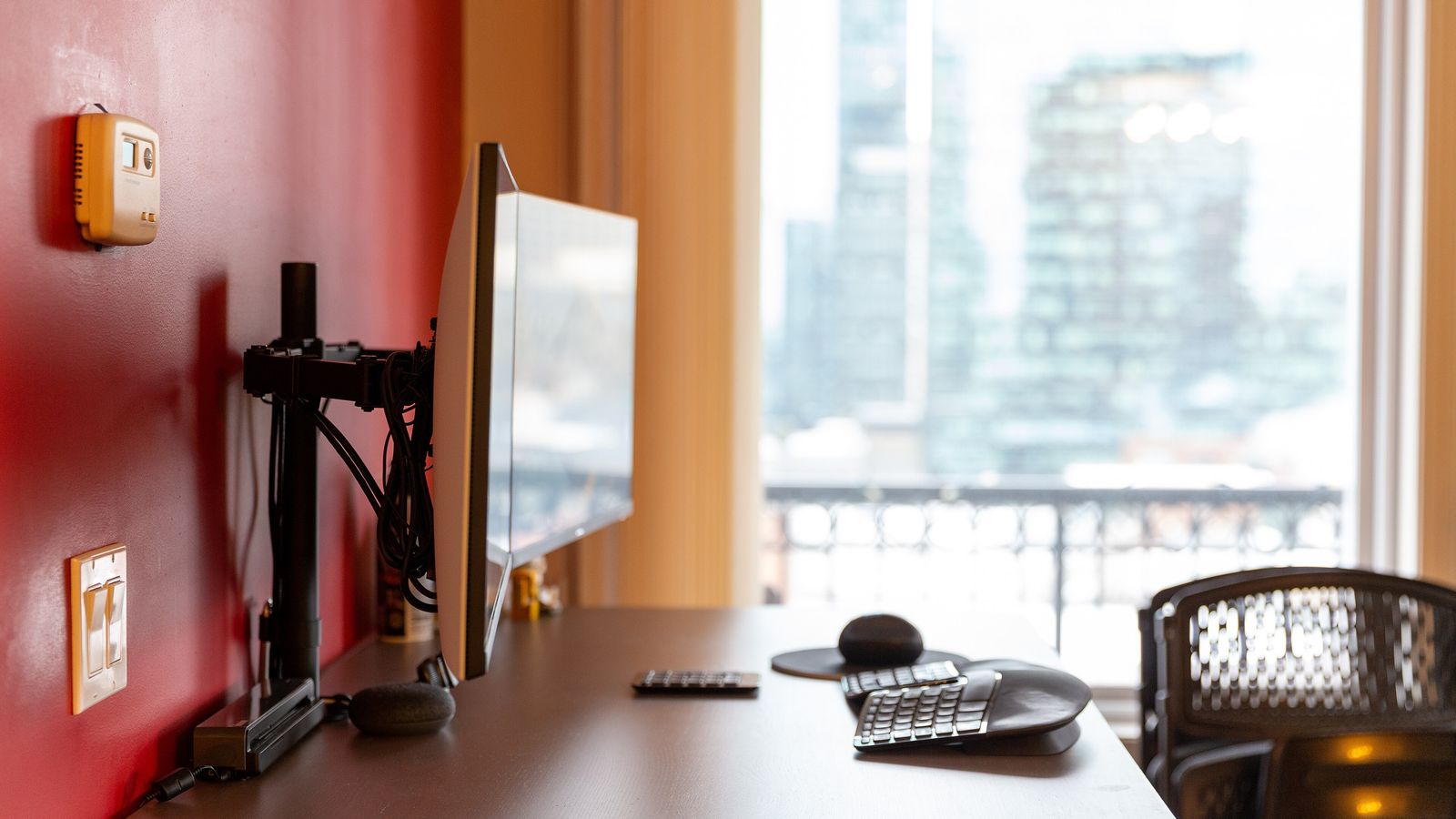
Long documents, chat windows and code all waste a widescreen monitor’s edges. Turning one panel upright fixes that, and the monitor’s own stand usually can’t do it. A stand or mount that rotates is the missing piece, but a vertical panel asks for different things than a horizontal one: more height, a steadier base and more cable slack.
Rotation has to come from somewhere
Some monitors pivot on their factory stand. Many don’t, and the spec sheet is the only way to tell. When the panel itself doesn’t rotate, the mount has to.
Listings use several words for this. Swivel usually means turning left and right. Tilt means angling up and down. Rotation is the one that matters here, and good listings say so plainly. A HUANUO freestanding VESA stand describes moving between landscape and portrait through 360 degree rotation, which is the claim to look for rather than swivel alone.
VESA pattern and weight decide what fits
A mount attaches to four threaded holes on the back of the panel. The spacing between them is the VESA pattern, usually 75 by 75mm or 100 by 100mm on desk monitors.
- Measure hole to hole, center to center, before ordering
- Check the monitor’s weight without its factory stand, since that’s the load the mount carries
- Confirm the stand’s stated range covers both the screen size and that weight
The HUANUO listing quotes 13 to 34 inch screens up to 44 pounds on either VESA pattern. Numbers like those are the fit check. A curved panel or a thick back panel can also need spacers, which some mounts include and others don’t.
A vertical panel needs more column than a horizontal one
This is the part that surprises people. A 27 inch widescreen is roughly 13 inches tall in landscape and roughly 24 inches tall once it’s upright. The top edge climbs, and the bottom edge drops toward the desk.
Two things follow. The stand’s column has to be tall enough that the panel’s bottom clears the desk surface, and the eye line moves. Reading position for an upright panel sits nearer its upper third, not its middle. A stand with several height settings gives room to correct for that after the monitor is mounted.
Cables run out of slack when the panel turns
Rotating a monitor ninety degrees moves its ports through an arc. A cable that just reaches in landscape can pull tight, or bend hard against the connector, once the panel is vertical.
Display cables with a right angle head are worth checking here, because a straight head sticking out the back can hit the column. Leave enough slack to rotate the panel without tension, then route the excess down the stand. The same cable habits from a cable tray under the desk apply once the run reaches the desk edge.
Freestanding base or clamp changes the desk footprint
A freestanding base sits on the desk and needs surface area, often a rectangle the size of a sheet of paper. A clamp or grommet mount grips the desk edge and frees that area, but it asks for a rear edge that’s accessible and a desktop within the clamp’s thickness range.
A vertical panel raises the center of gravity either way. Heavier bases and tempered glass plates exist for that reason. For a desk where the monitor shares space with a laptop, a laptop and monitor mount handles both on one post, and a plain monitor stand covers the case where height, not rotation, is the actual problem.
What to check before ordering
- The monitor rotates on its own stand, or the mount is listed for rotation
- VESA pattern measured hole to hole, and panel weight without the factory stand
- Column height against the panel’s vertical dimension, not its diagonal
- Enough cable slack, with right angle heads where the column is close
- Desk space for a base, or an accessible rear edge for a clamp
One upright panel beside one horizontal panel is the common arrangement, and it’s worth planning both at once. Matching their heights is easier before either is mounted, and a multi-monitor layout has its own spacing questions.
